How to keep your AI character's face the same in every photo
There are four ways to keep an AI character’s face the same: careful prompts, reference images, a character LoRA, or a LoRA trained on a dataset you generate from one face. Only the LoRA holds her face across hundreds of images, and the last method gets you there without a single real photo. It takes about 50 images and an afternoon on a rented GPU.
On this page
What makes an AI character “consistent”?
A consistent character has the same face, hair and build in every image, while everything else changes: outfit, place, light, pose. If her jawline or eye shape shifts between posts, the account reads as a stream of AI pictures, not a creator. This is the core of creating an AI influencer.
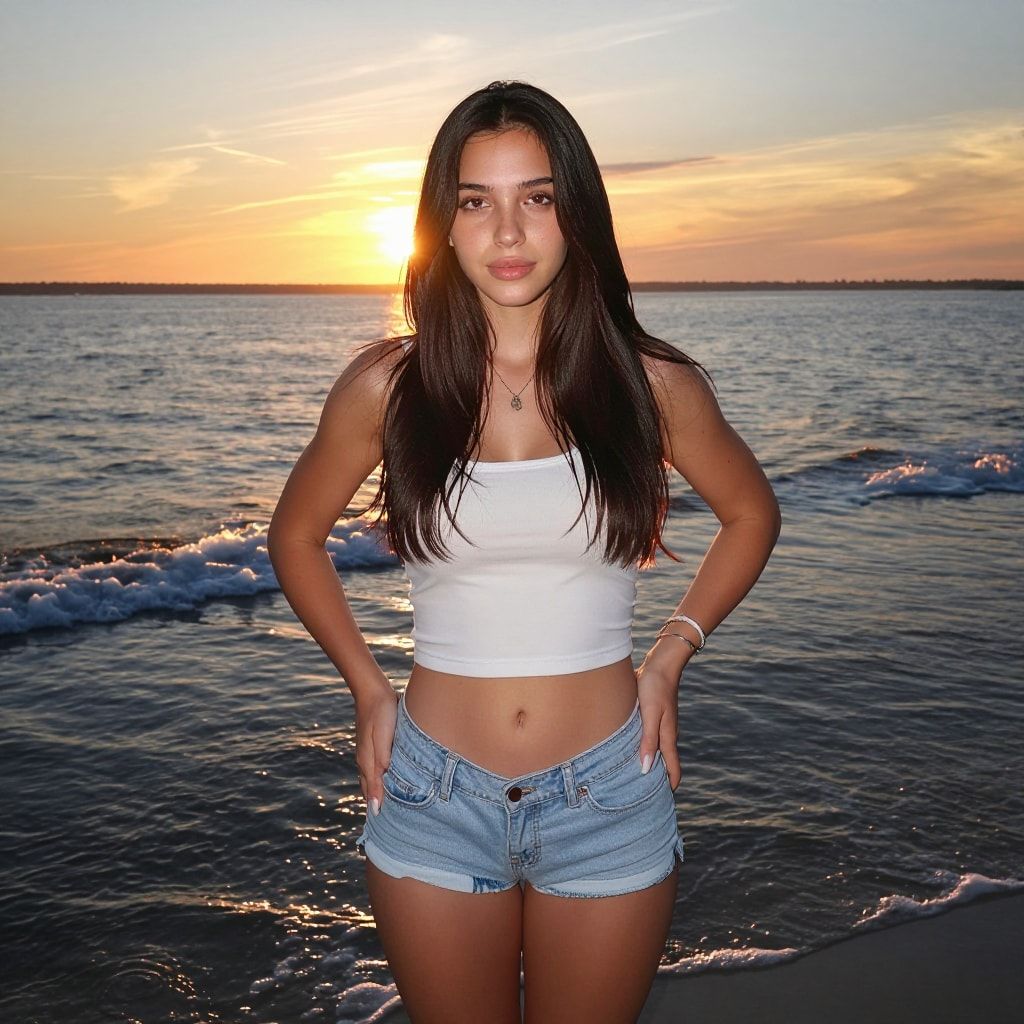
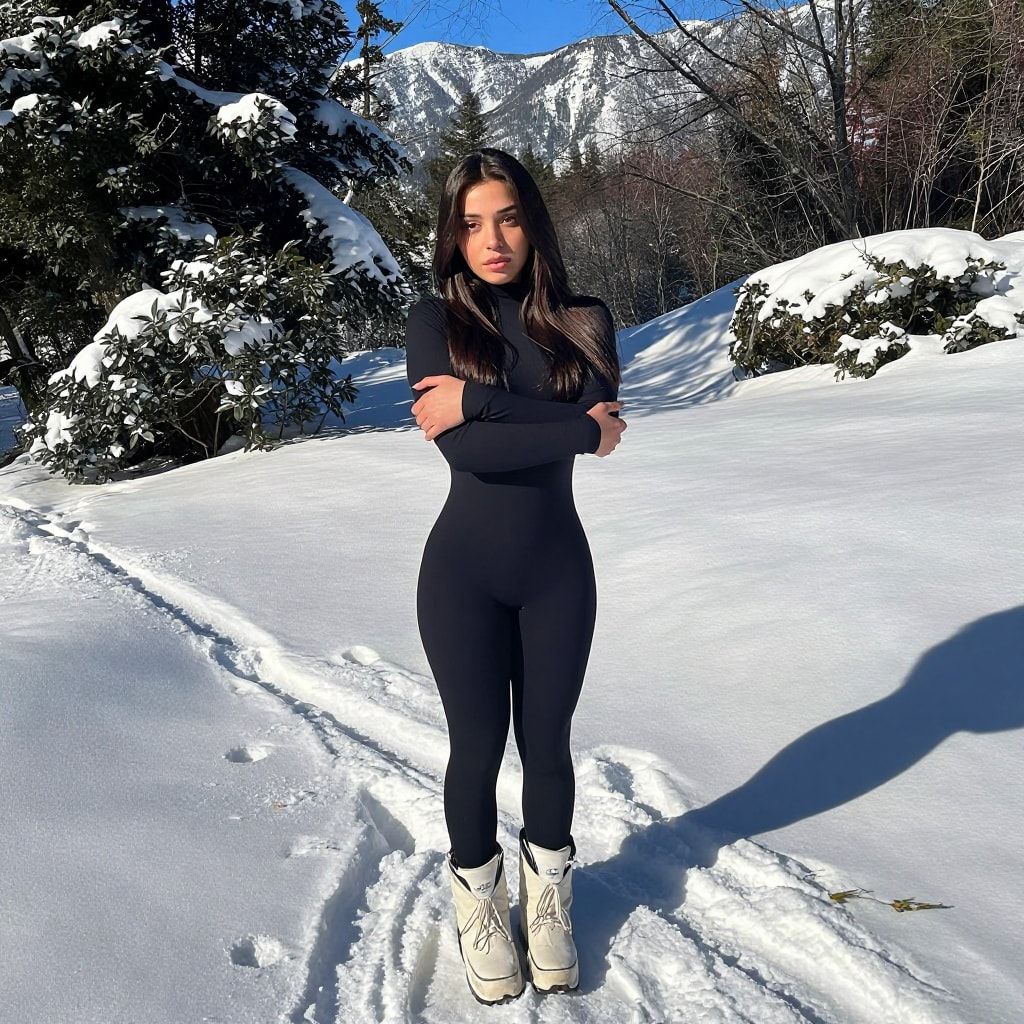
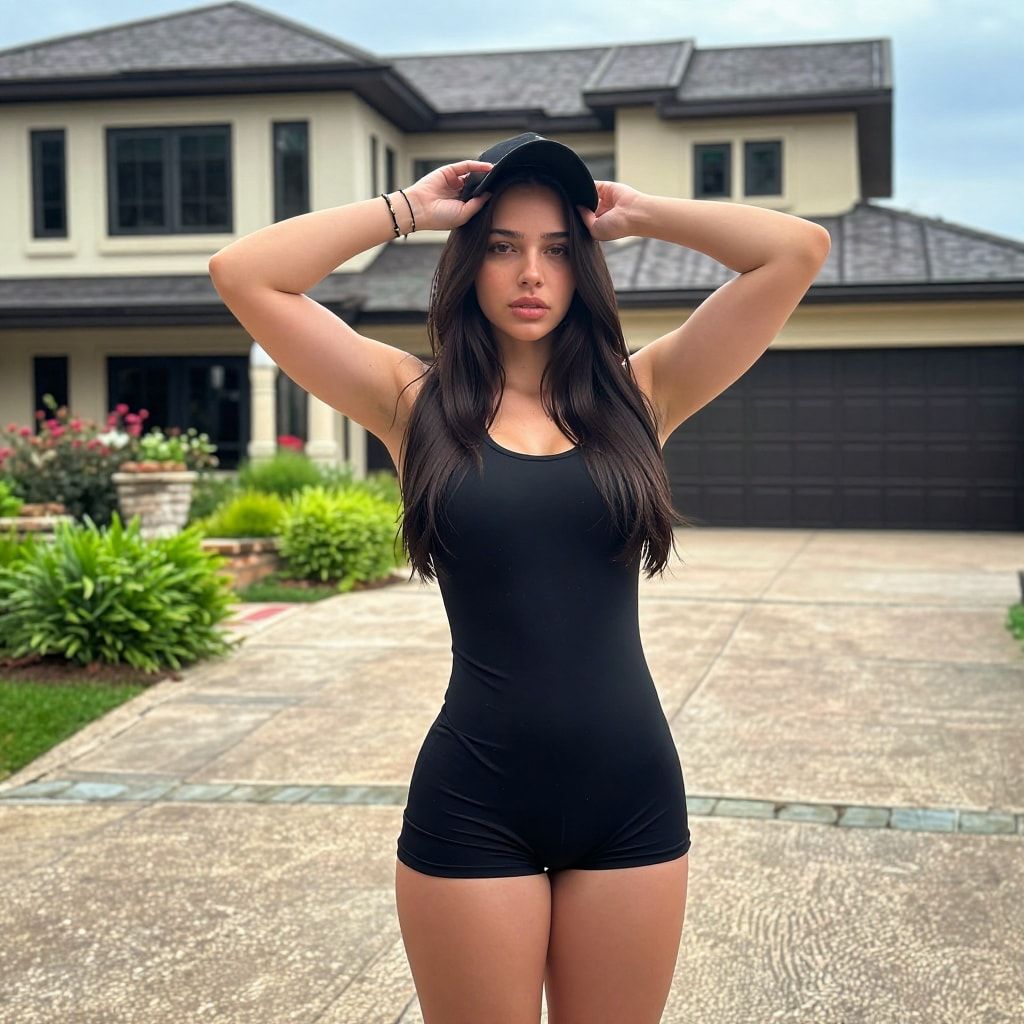
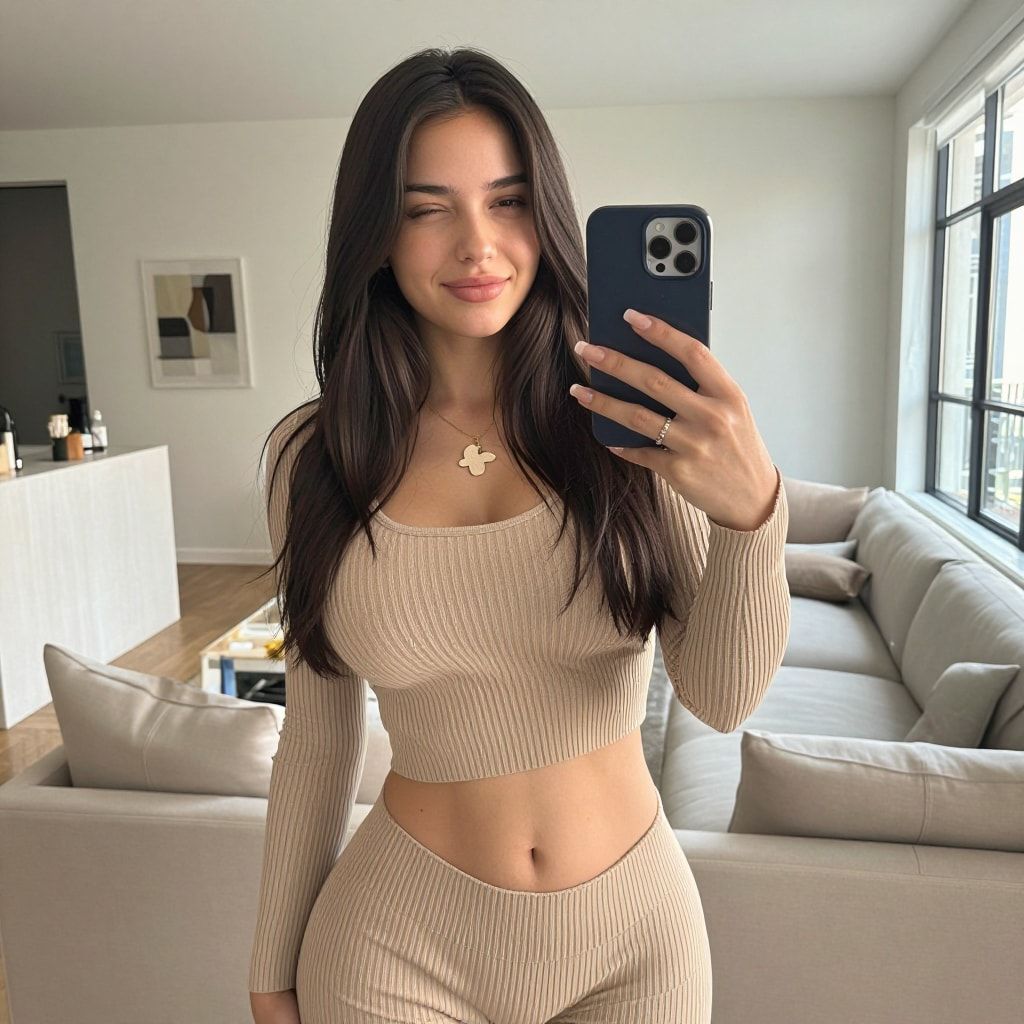
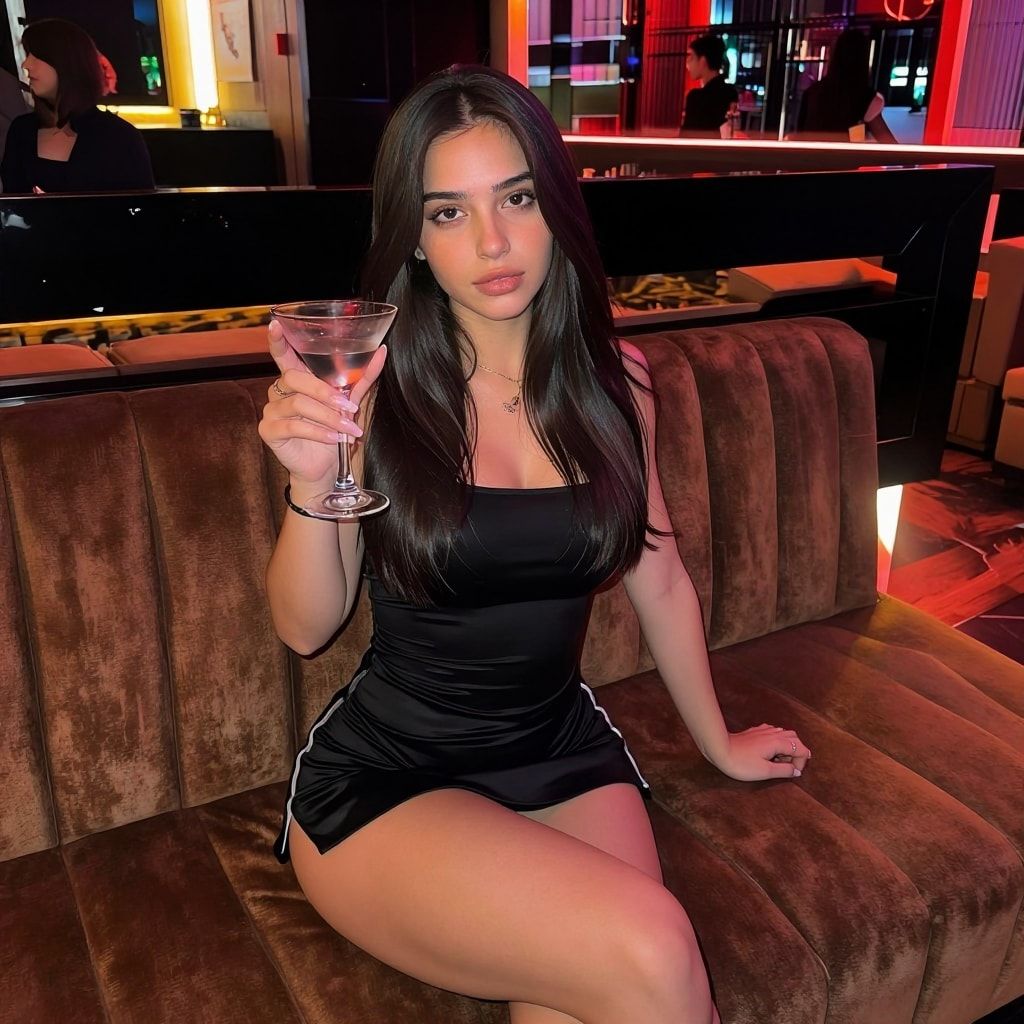
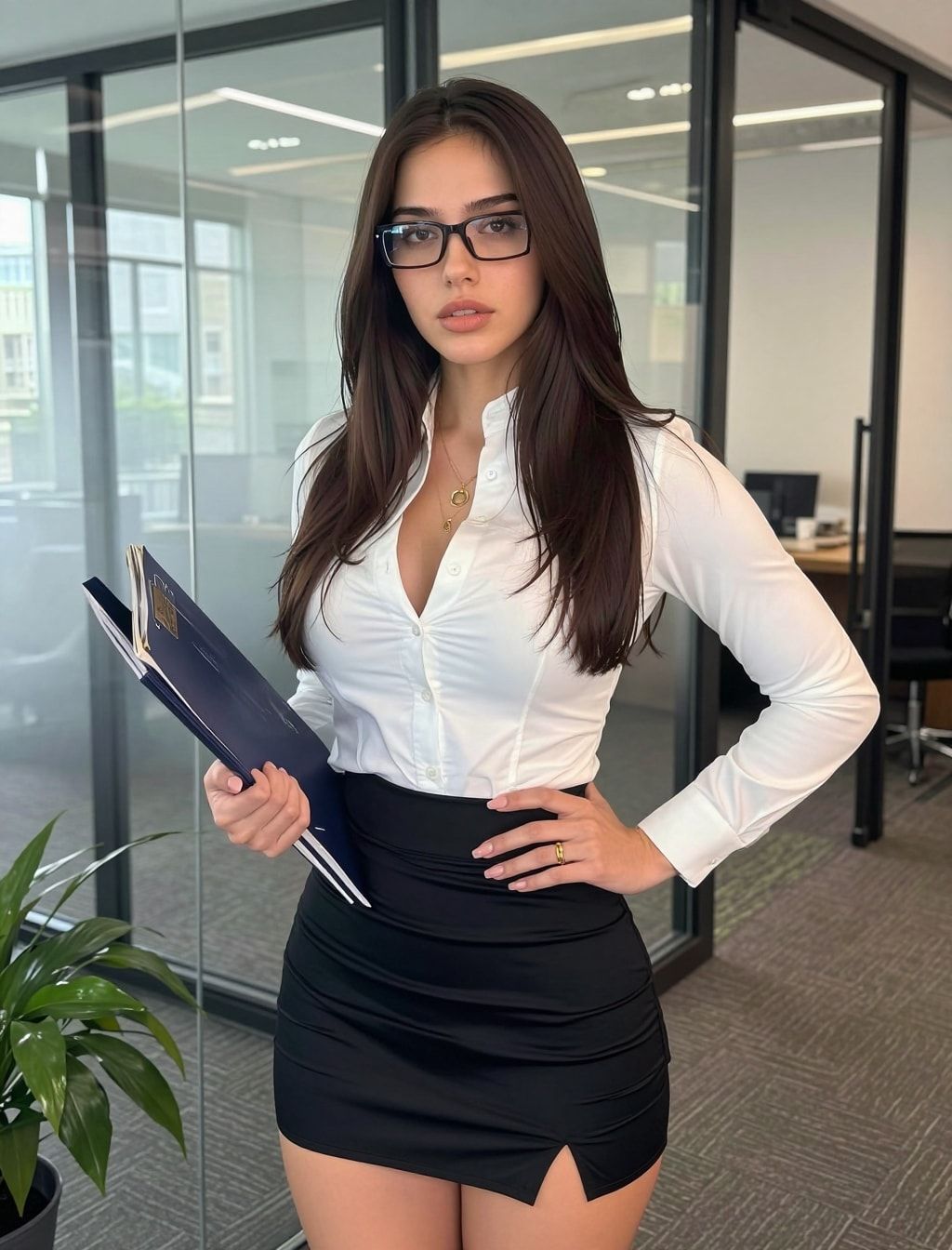
Which methods keep a face consistent?
Four methods, from quickest to most reliable. Prompts alone drift almost immediately. Reference images hold a face for a few shots. A LoRA holds it for as long as you use it. The fourth method builds the LoRA’s training set from one generated face, so you never need real photos.
| Method | How it works | Holds the face for | You own it? |
|---|---|---|---|
| Prompt only | Describe her in detail every time | A few images, then drift | Nothing to own |
| Reference image / edit model | Upload her photo, the model copies the face | A handful of shots; small details wander | Depends on the service |
| Character LoRA | A small file trained on images of her | Hundreds of images | Yes, the file is yours |
| Generated dataset + LoRA | One face, turned into ~50 images, then trained | Hundreds of images | Yes |
The last row is how the AI Empire course does it. Reference-image editing models like Qwen-Image-Edit and Nano Banana Pro are a tool inside that process, not the end of it.
“Yours” in the table means you keep the file. Copyright in the images is a separate question: what an AI creator can and can’t own.
Why does a character LoRA beat reference images?
A LoRA is trained on many images of her, so it learns her face from every angle and in every light. A reference tool only sees the one or two photos you give it each time, and has to guess the rest. Over a long run of images the guesses add up, and small details change.
The LoRA also gives you a trigger word. Type it, and the model draws her. No uploads, no re-checking every image against the original.
How do you build a character LoRA without real photos?
Generate her face, turn that one face into about 50 varied images of her, caption them, and train. No scraping, no real people. These are the four steps the free AI Empire video series walks through. Everything runs in your browser on rented GPUs, and the face you start from is the face you keep.
- Make her face. Start from a prompt, keep generating until one face is right. The free Discord generator gives you 10 a day; it uses Z-Image Turbo.
- Build her dataset. Turn that face into about 50 images of her: different angles, outfits, places and light, the same face in all of them. How many images you need, and how to caption them.
- Train the LoRA in AI Toolkit on a rented GPU. By default it saves a checkpoint every 250 steps.
- Pick the best checkpoint. Generate with a few of them using the same prompts and seed, and keep the last one before the images start repeating.
How do you prompt her so she stays herself?
Start every prompt with her trigger word and one short line for her hair and eyes, then describe the shot, pose, outfit, place, light and framing. That’s the format our videos use. Never describe her face shape, makeup, skin or body: the LoRA learned those, and describing them pulls the model toward a different woman.
An example start: zvx woman, long wavy dark brown hair, middle part, hazel eyes, then the scene.
The free AI influencer prompt generator writes prompts in exactly this format.
How do you keep her consistent across a whole post?
Make every image in a carousel from the same outfit and place, and only change the pose and framing. That’s how a real photo dump looks: five shots from one outfit, one spot. It also hides the small differences that every model still makes between images. Mix close-ups with full-body shots so the feed doesn’t look generated.
Video starts the same way, from a still of her. How to make AI influencer videos covers the three routes, and Kling motion control the one we use for dance and trend clips.
What can go wrong?
- Her face drifts in the dataset. One off image teaches the LoRA a second face. Delete anything that isn’t clearly her before training. A smaller clean set beats a bigger messy one.
- Plastic skin, the same background in every image. The checkpoint trained too long. Go back 500 steps.
- She looks like someone else in one prompt. The prompt describes her face, makeup or body. Delete those words and keep only the hair-and-eyes line.
- The face changes when the framing changes. The dataset is missing that framing, often full-body shots. Add some and retrain.
- Her face holds but her body changes. Body shape comes from the dataset too. Keep the body consistent across all training images.
Questions people ask
Can I keep a consistent character without training a LoRA?
How many images do I need for a consistent character LoRA?
Can I make a consistent character from a real person's photo?
Does the same LoRA work for video?
More guides in this section
Read next
- How many images do you need to train a character LoRA?
A character LoRA needs 20 to 50 images. We train on 50. What they should show, how to caption them, how to pick a trigger word, and what goes wrong.
- Free AI influencer prompt generator
Pick outfit, location, pose, light and camera style and get a ready-to-copy AI influencer prompt in the format that works with a character LoRA. Free.
- How to create an AI influencer in 2026, step by step
One original face, a 50-image dataset, a character LoRA you own, the AI label on, then growth and Fanvue. Real steps, settings and GPU costs.