Build an AI influencer you own. Then learn how she makes money.
One original face that stays the same in every photo. Open-weight models on GPUs you rent by the hour, so no expensive PC. Then the part most courses skip: Fanvue, brand UGC and growing her accounts.
2.7k members on Skool, as of 2 Oct 2026. Free to join.

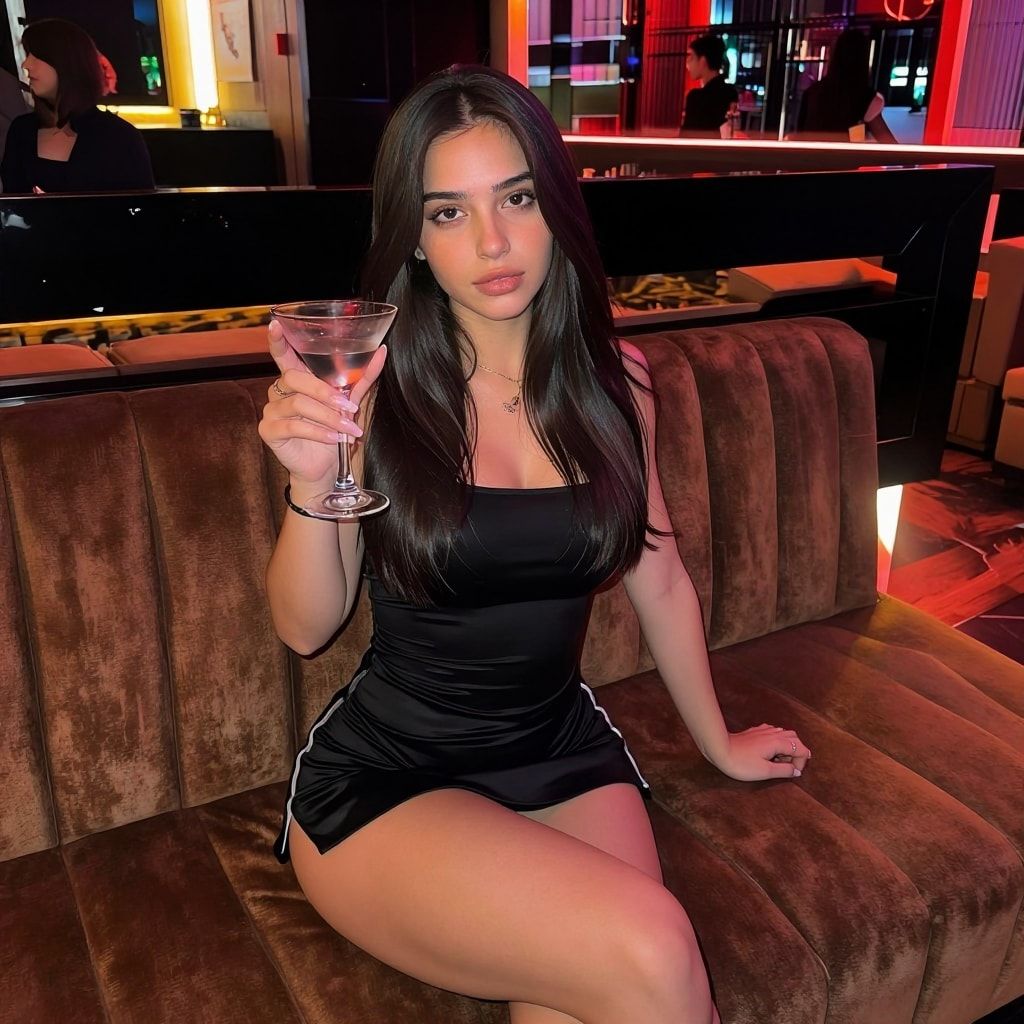
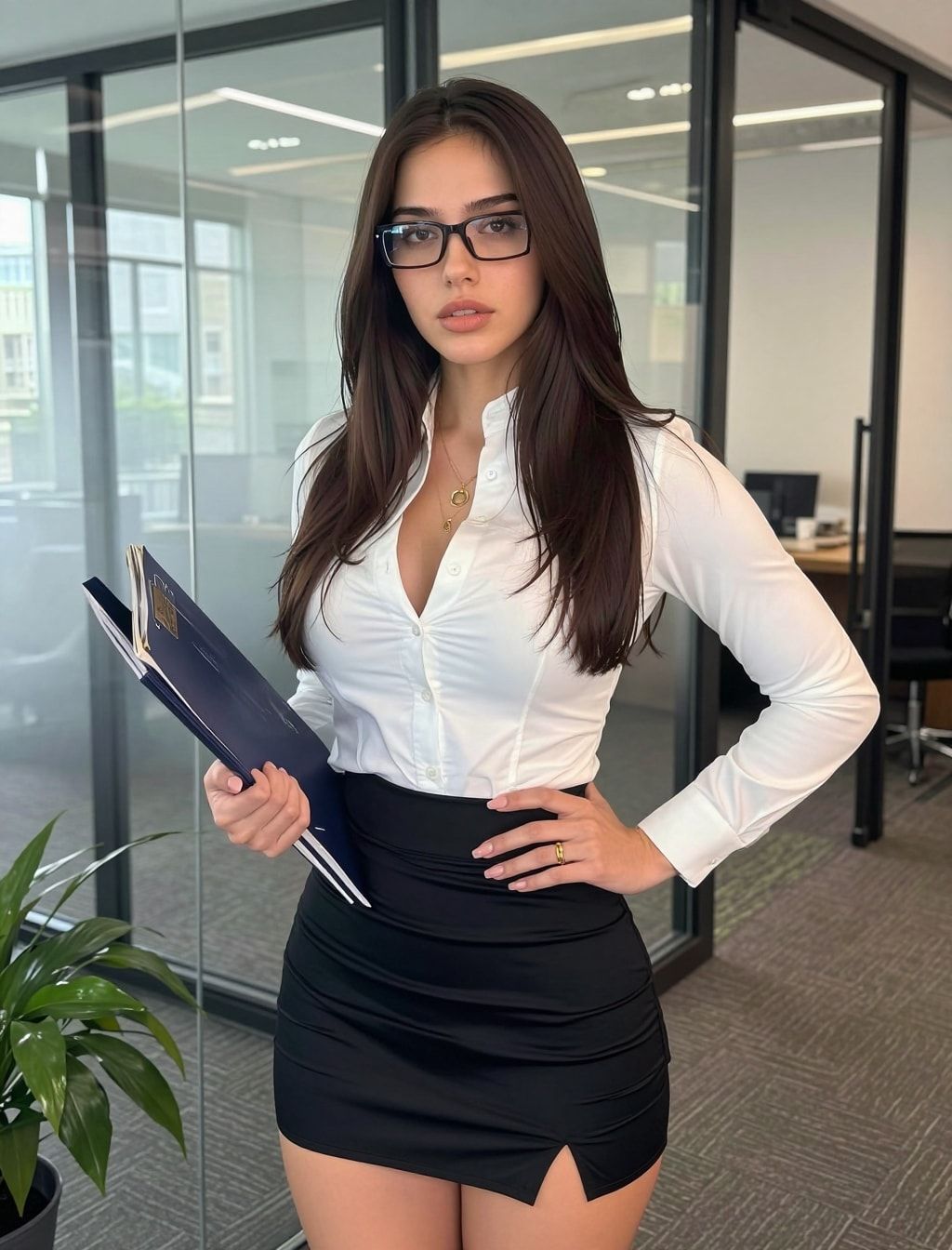
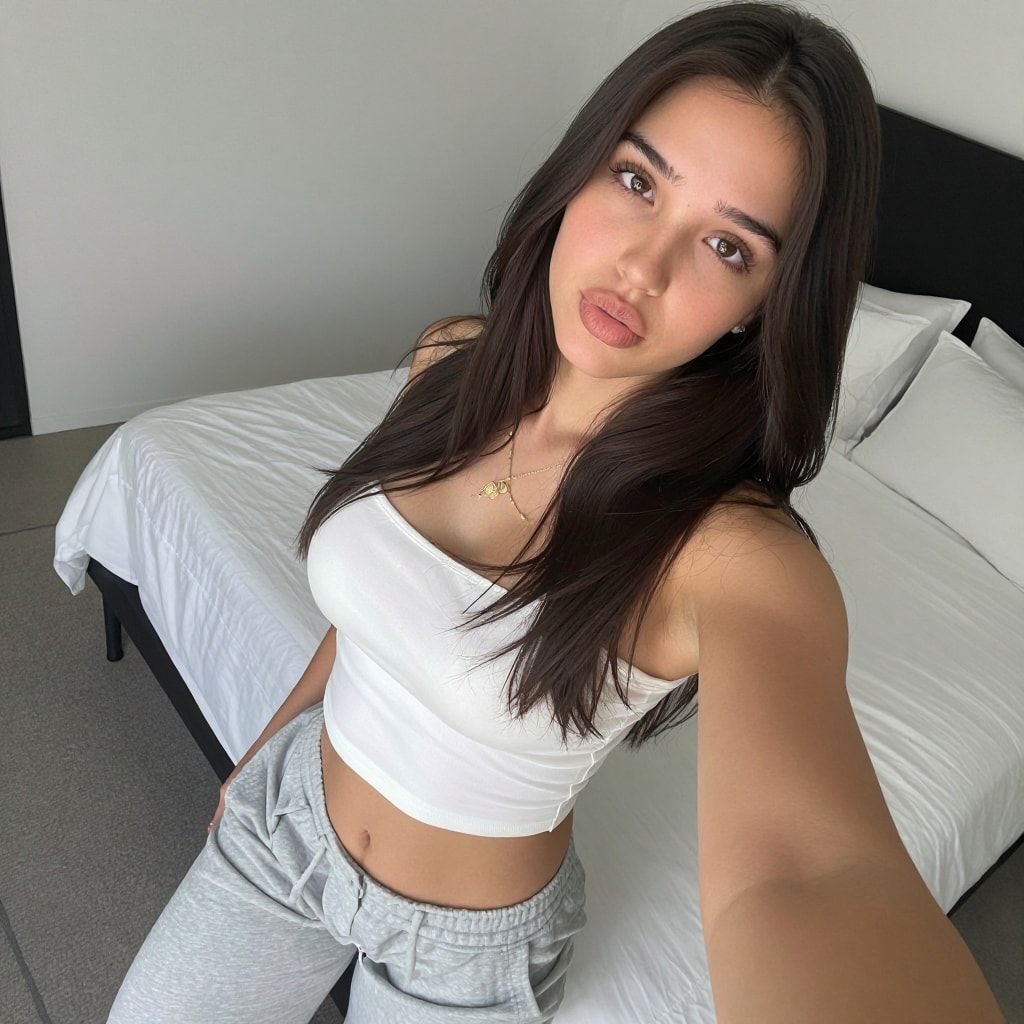
Same face. Every frame.
A character people follow has one face. Reference-image tricks drift after a few photos. A LoRA trained on her own dataset holds her face far longer. That’s the core of what you build here.
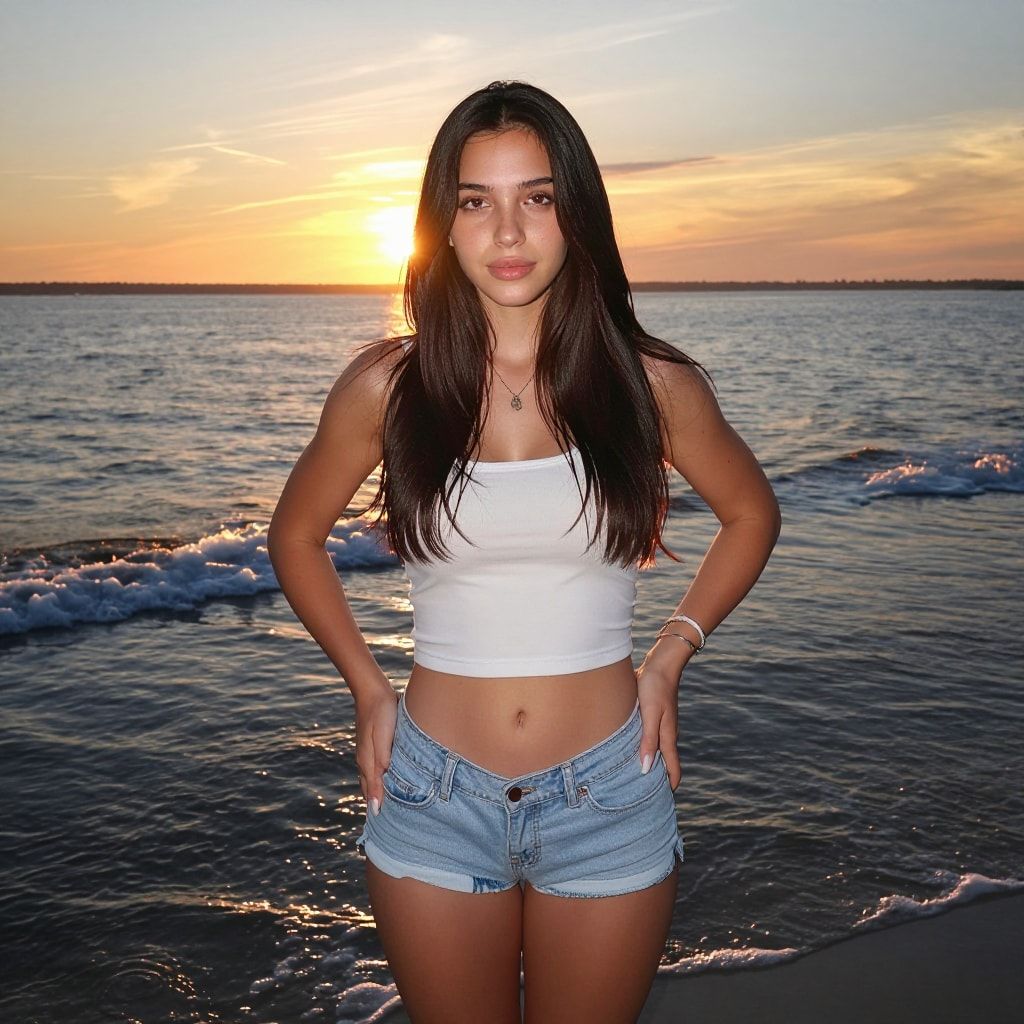
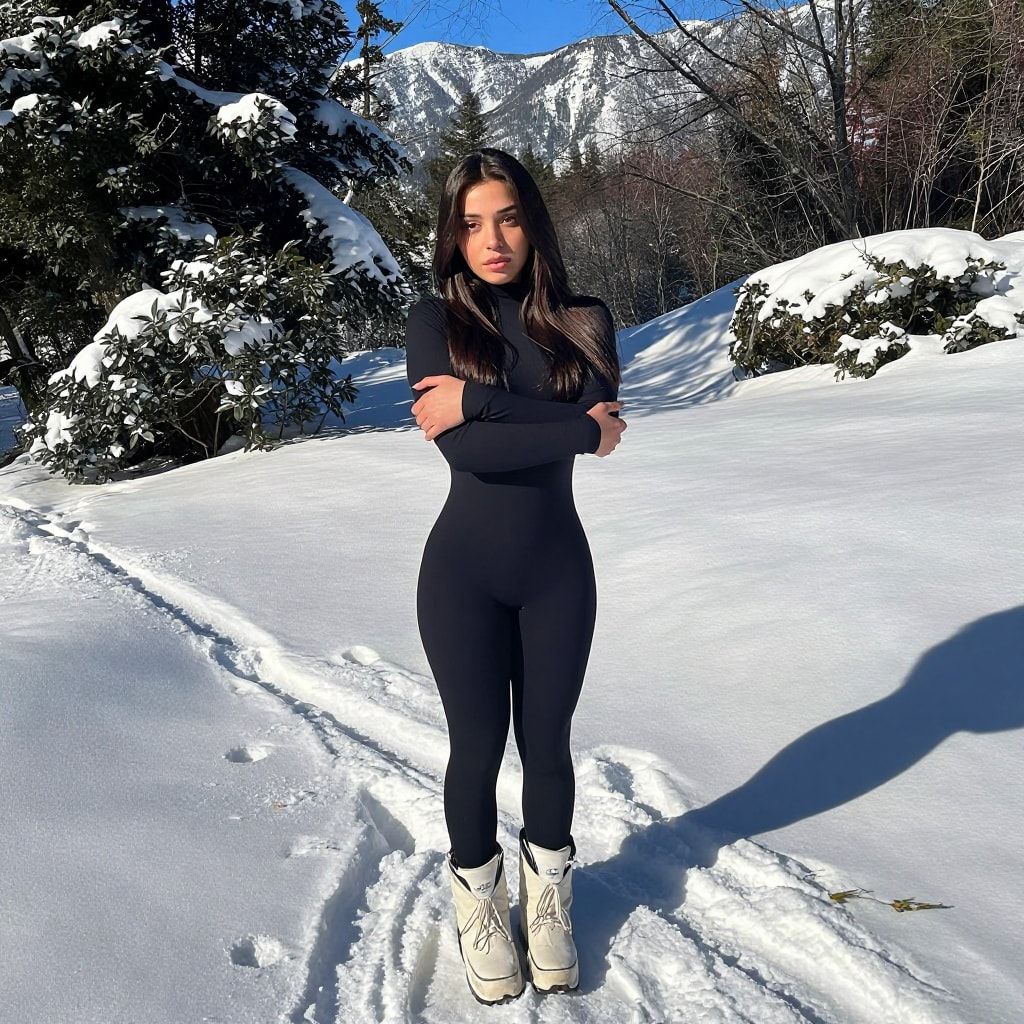
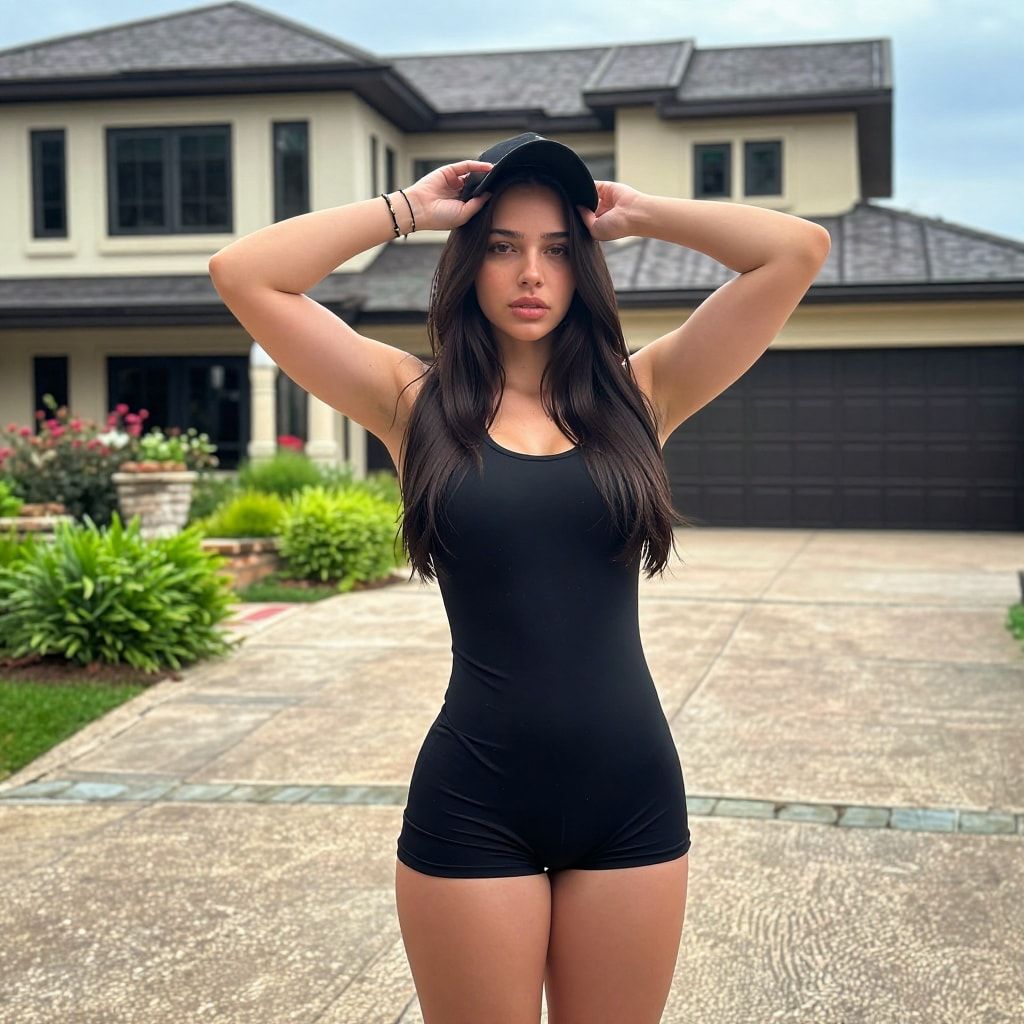
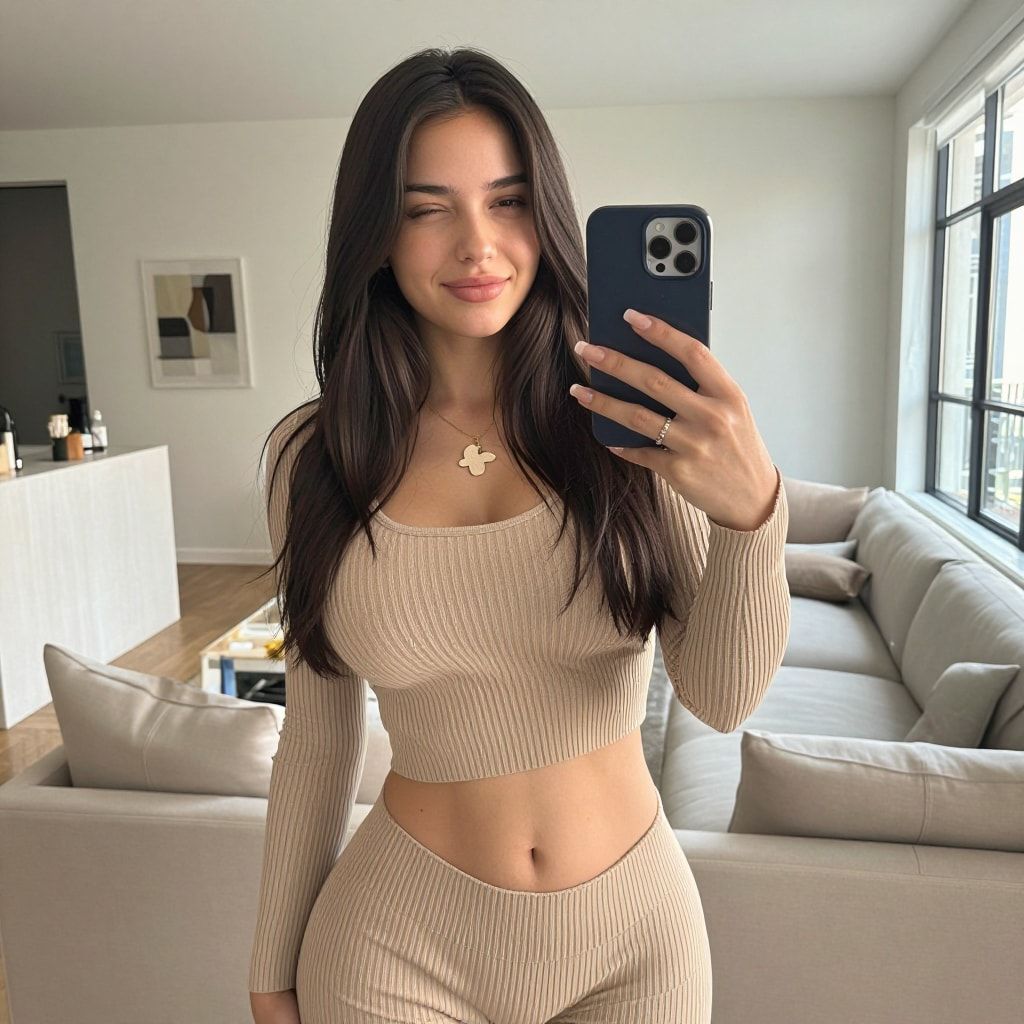

The build, in four steps
Each step is a free video on YouTube with a written walkthrough here.
Read the whole build: how to create an AI influencer, step by step
Make her face
Free in our Discord generator, 10 images a day. Or on your own RunPod GPU when you want more.
Build her dataset
Turn that one face into a 50-image training set with the AI Empire Dataset Maker.
Train her LoRA
Train her character LoRA in AI Toolkit on a rented GPU. The file is yours to keep.
Give her a bot
Build a private Telegram bot that makes new photos of her whenever you ask.
How she makes money
Three income lines that work for an original character who is openly AI.
Fanvue
Fanvue allows AI creators who say they’re AI. OnlyFans needs a verified human behind every account. So we build for Fanvue, and the course covers setup, settings, disclosure and chatting.
AI UGC for brands
Brands pay for short product videos. Your character can make them without a photo shoot. Phase 5 is the workflow.
Her audience
Instagram with the 3-account system, plus Threads and TikTok, all with the AI label on. The audience is what every other income line runs on.
The honest part: most people make little in their first months. It takes a consistent character, steady posting and real work. Anyone who promises you a monthly number is selling you something.
Rent a platform, or own the setup
AI influencer apps are easier on day one. Here’s what you trade for that.
| Topic | AI influencer apps | The AI Empire setup |
|---|---|---|
| How you pay | A monthly plan and credits that run out. | GPU time on RunPod, by the hour, only while it runs. |
| Her face | Lives on their platform, on their terms. | Her LoRA file. You keep it. |
| New models | You wait for their roadmap. | A new open-weight model drops, you load it. |
| If they raise prices or shut down | Your character goes with them. | Nothing changes. It’s your setup. |
| Learning curve | Easy. Sign up and click. | Steeper. That’s what the course is for. |
Two rules we don’t bend
Original characters only
Never a real person’s face or photos, never a face swap of someone real. Your character is made from scratch.
Always disclosed as AI
The AI label on Instagram, an AI note on Fanvue. Platforms require it, and it keeps the account you’re building.
What’s in the course
Seven phases on Skool. The first two are free.
- Initiate How the course works and what you’re working toward.Free
- First Face Make your AI influencer’s face today, free.Free
- Lock Her In Make her look identical in every image.Premium
- Make Her Move Turn her into video.Premium
- UGC & Ads Make product videos with her that brands pay for.Premium
- Grow Her Grow her accounts, with the AI label on.Premium
- The Deep End Monetize on Fanvue and claim the graduation call.Premium
Before you start
Is it free?
Starting is free. The free tier gets you Phases 1 and 2, the free tools, the community, and the access code for the Discord face generator. Premium adds Phases 3 to 7 and the resources for videos 2 to 4. What it includes and costs is on the course page.
Do I need a good PC?
No. Everything heavy runs on RunPod, where you rent a GPU by the hour and work in your browser. A normal laptop is enough. You pay only while the GPU runs.
How do you keep her face the same in every photo?
You train a character LoRA: a small file that teaches the image model one face. You make it from a dataset of about 50 images of her, then add her trigger word to every prompt. Reference-image tools drift after a few images. A LoRA holds her face far longer, and the file is yours.
Do I have to say she’s AI?
Yes. Since 31 August 2026 Instagram asks AI persona accounts to turn on the “AI-generated profile” label, and says unlabelled ones may see their reach limited. Fanvue requires a clear AI disclosure in the bio, captions or a watermark. TikTok requires a label on AI content showing realistic people. See the rules, platform by platform.
More answers on cost, rules and OnlyFans vs Fanvue in the FAQ.