Nano Banana keeps changing her face: what actually fixes it
Nano Banana Pro doesn’t remember her. It re-creates her face from your reference photos on every edit, so small details drift, and they drift more when you change several things at once. Give it numbered references (Google’s docs allow up to 5 character images per request), change 1 thing per edit, and let ChatGPT write the prompt. For a feed of hundreds of posts, a consistent AI character needs a LoRA.
Why does Nano Banana keep changing her face?
It doesn’t store her anywhere. Every edit is a new image, drawn from your reference photos and your words, and her face is re-created each time. Small things move: eye shape, nose, jaw, hairline. Ask for a new angle, outfit and place in one go and it has three times as much to re-create.
So “keep the face exactly the same” in capital letters isn’t the fix. What helps is giving the model more of her to look at and less to change. Google’s own Gemini image docs say Nano Banana Pro takes up to 14 reference images, up to 5 of them for keeping characters consistent, and suggest including earlier images when you prompt for new angles (checked 2 Oct 2026).
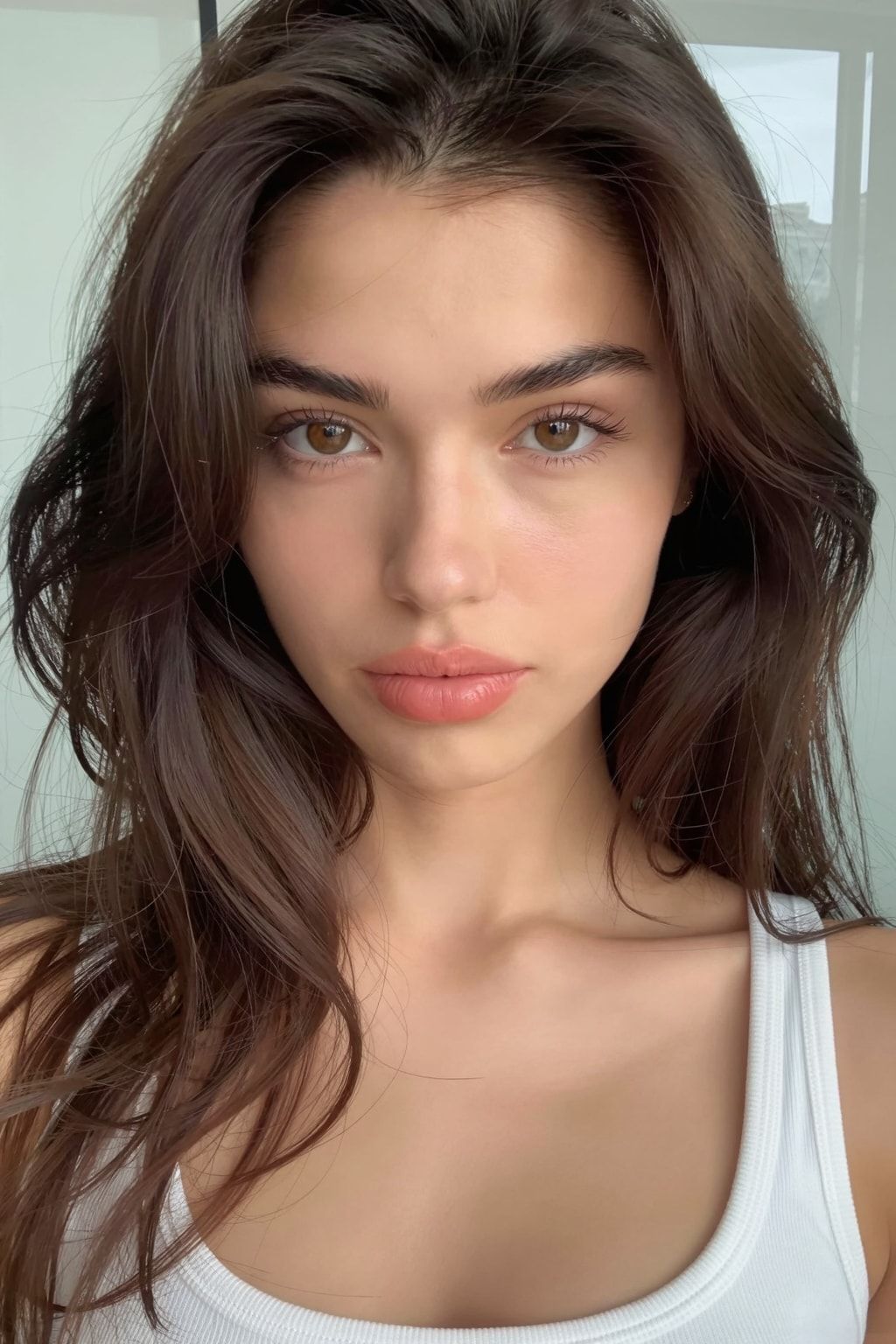
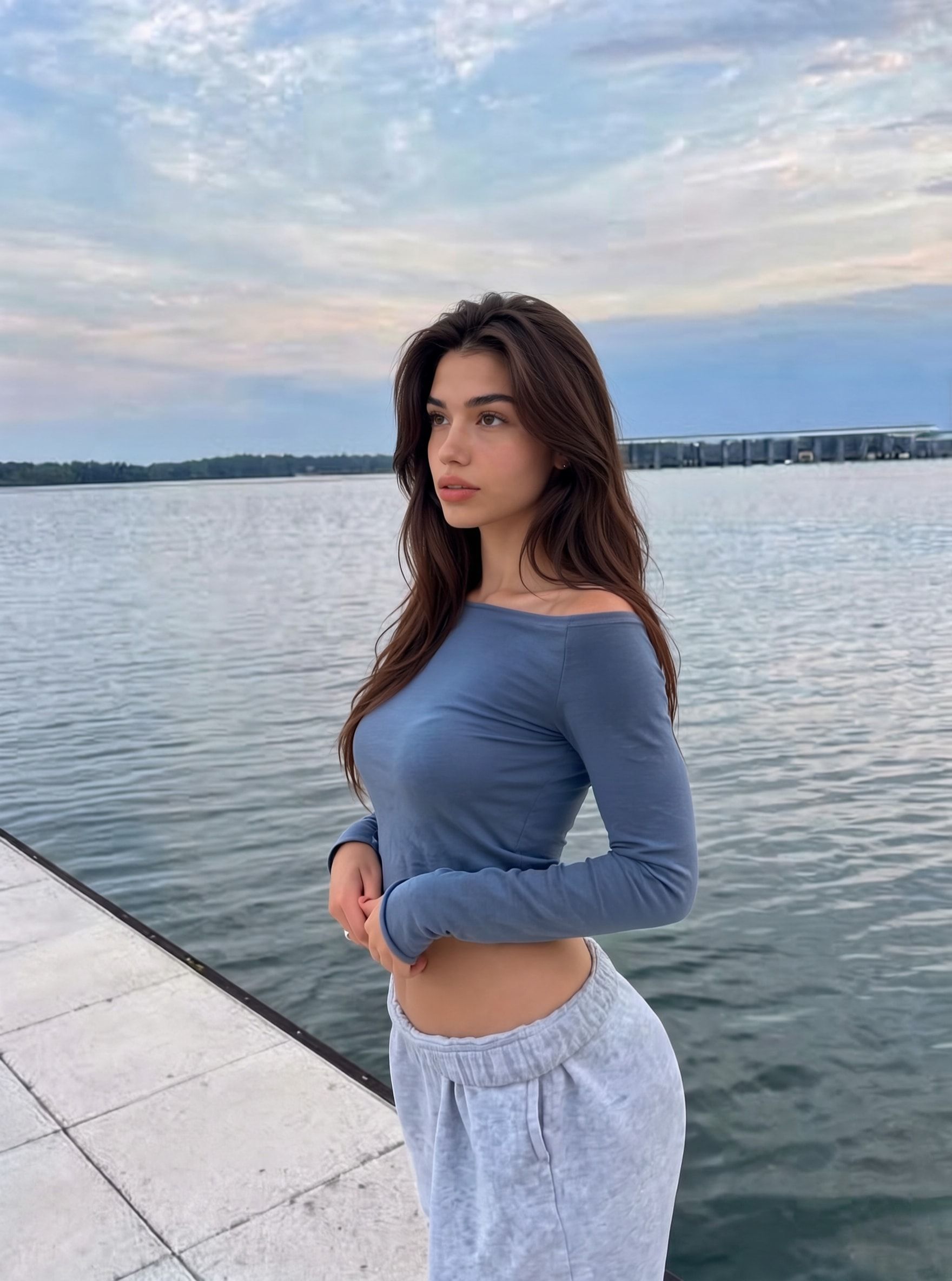
How do you prompt Nano Banana to keep the same face?
Use the course’s “How To Prompt” method. Upload your reference images to ChatGPT, number them (“image one, image two, image three”), say in plain words what should change, and ask ChatGPT to write the prompt for the edit model. Then give Nano Banana the same images, in the same order, with that prompt.
You can use the same method in Nano Banana 2; Google’s docs list up to 4 character images for it.
- Pick the references. Her approved front shot first, then one or two angles of her from her character sheet. Only your own AI images.
- Number them. Upload them to ChatGPT in a fixed order and call them image one, image two, image three.
- Describe one change in plain words. What moves, and what stays.
- Ask ChatGPT to write the prompt for Nano Banana Pro.
- Run it in Nano Banana with the same images in the same order.
- Compare the result with image one. Not her? Run it again. Don’t keep a near miss.
What you type into ChatGPT can be this plain:
Image one and image two are the same woman, my AI character. Image three is a pose reference I made. Write a prompt for Nano Banana Pro that puts the woman from image one in the pose from image three. Keep her face, hair, outfit and background exactly as in image one. Take only the pose from image three.Why not write the edit prompt yourself? The course’s answer: AIs understand AIs best. ChatGPT turns your plain request into the long, explicit instructions edit models follow, and it keeps track of which numbered image is which.
How do you change her pose without losing her face?
Give the pose its own image. Image one is her, image two is the pose, and the prompt says to take only the pose from image two. The pose reference must be one you made or have rights to: her own earlier AI images or licensed stock. Never a stranger’s post.
The course uses this for TikTok photo posts: her face plus a pose reference. The same idea rebuilds a video frame with her in it before motion control (see Kling motion control). For angle changes you don’t need a second image at all: use one of the six angle prompts from her character sheet.
| Change | Images, in order | What the prompt says |
|---|---|---|
| Pose | 1: her. 2: pose reference you have rights to | Take only the pose from image two; face and hair from image one |
| Angle | 1: her front shot | One angle prompt, such as “subject must be showing her left side profile” |
| Outfit | 1: her. 2: the outfit (your own or a product image you may use) | Dress her in the outfit from image two; keep the pose |
| Place and light | 1: her | Describe the new place and light; keep pose and outfit |
One change per row, one row per edit. If you need a new pose and a new outfit, that’s two edits.
What can’t Nano Banana do well?
Some changes fight it. When we built the Dataset Maker’s body presets, Nano Banana made bodies bigger easily but wouldn’t make them smaller from text alone, so we used Seedream for the petite preset. It also refuses some photos outright. Plan around both instead of rewording the same prompt twenty times.
When Nano Banana refuses a photo inside the Dataset Maker, the photo is skipped and retried once at the end of the run. In the Gemini app, a plain SFW prompt with your own AI character is the best you can do. Don’t try to talk your way past a refusal.
How much does Nano Banana Pro cost for one character?
Through RunPod’s public endpoint, Nano Banana Pro Edit costs $0.14 an image at 1K or 2K and $0.24 at 4K, per RunPod’s model page (checked 2 Oct 2026), so a 50-image dataset at 2K comes to about $7. Seedream and the free engine cost less: the per-engine numbers are in Nano Banana Pro vs Seedream.
When is a LoRA the real fix?
When you need her for more than a handful of images. Each Nano Banana edit is a fresh attempt at her face; a character LoRA learned it from about 50 images of her and draws it from a trigger word. The course uses Nano Banana to build that dataset, then the LoRA takes over the daily posts.
| Nano Banana edits | Character LoRA | |
|---|---|---|
| What you give it each time | Reference images and a prompt | A prompt starting with her trigger word |
| Holds her face for | A handful of shots, then details wander | Hundreds of images |
| Cost per image | $0.14 and up (RunPod, Oct 2026) | Seconds of rented GPU time |
| Who owns it | Runs on Google’s service | The LoRA file is yours |
| Best job | Angles, pose copies, building her dataset | Her everyday feed |
How many images and how to caption them: LoRA dataset size.
What can go wrong?
- Her face drifts a little more with every edit. You’re editing edits. Start every edit from her approved front shot as image one.
- Too many changes in one prompt. New angle, outfit and place at once. Split it into separate edits.
- The prompt points at the wrong image. The order in Nano Banana doesn’t match the order you gave ChatGPT. Upload them in the same order every time.
- She won’t get smaller. Nano Banana enlarges bodies easily but resists shrinking them from text. We use Seedream for petite.
- The pose reference was someone else’s photo. Replace it with one you made or licensed. Their likeness isn’t yours to use.
- You want to strip the AI marks. Don’t. Google marks images its models make, and you label her as AI anyway.
- You keep fighting drift after 50 edits. That’s the sign to train her LoRA.
Questions people ask
Why does Nano Banana change the face even when I write "keep the face the same"?
How many reference images can Nano Banana Pro take?
How much does Nano Banana Pro cost per image?
Should I use Nano Banana or a LoRA?
Can I use Nano Banana on a real person's photo to make a character?
Read next
- How to keep your AI character's face the same in every photo
Prompts, reference images, a character LoRA, or a LoRA trained on a dataset you generate. What each holds, what it costs, and when you need a LoRA.
- How to make an AI influencer character sheet, one angle at a time
Build an AI influencer character sheet one angle at a time: the six edit prompts from our course, what each shot is for, and how to fix drift.
- Nano Banana Pro vs Seedream: two dataset engines, real costs
We run both as paid engines in our Dataset Maker: $0.14 vs about $0.03 a photo, which versions you actually get, and the job only Seedream would do.
- How many images do you need to train a character LoRA?
A character LoRA needs 20 to 50 images. We train on 50. What they should show, how to caption them, how to pick a trigger word, and what goes wrong.