How many images do you need to train a character LoRA?
A character LoRA needs 20 to 50 images of the same face. We train ours on 50: different angles, framings, outfits, places and light, with one caption file per image that never describes her face. Below 20, the model has to guess what she looks like from angles it hasn’t seen, and that’s where the face starts to drift.
How many images do you need for a character LoRA?
Between 20 and 50, and we use 50. Twenty is the floor for a face that holds from the front, the side and full body. Fifty gives the trainer every common framing several times over, so the character LoRA can draw her in shots it never saw. Past 50, you mostly add training time and the risk of off images.
| Images | What you get |
|---|---|
| Under 15 | A face that holds in the poses you trained, and drifts in new ones |
| 20 to 30 | A usable character for most framings |
| About 50 | What we train on: every framing covered several times |
| 80+ | Longer training, more chances for a bad image to slip in |
What should the training images show?
Her face, identical in every image, and variety in everything else. The trainer learns that whatever stays the same is her, and whatever changes is free to change. If she wears the same top in half the dataset, the LoRA learns the top as part of her.
Cover these (the free LoRA dataset planner turns this into a shot list with a caption for every image):
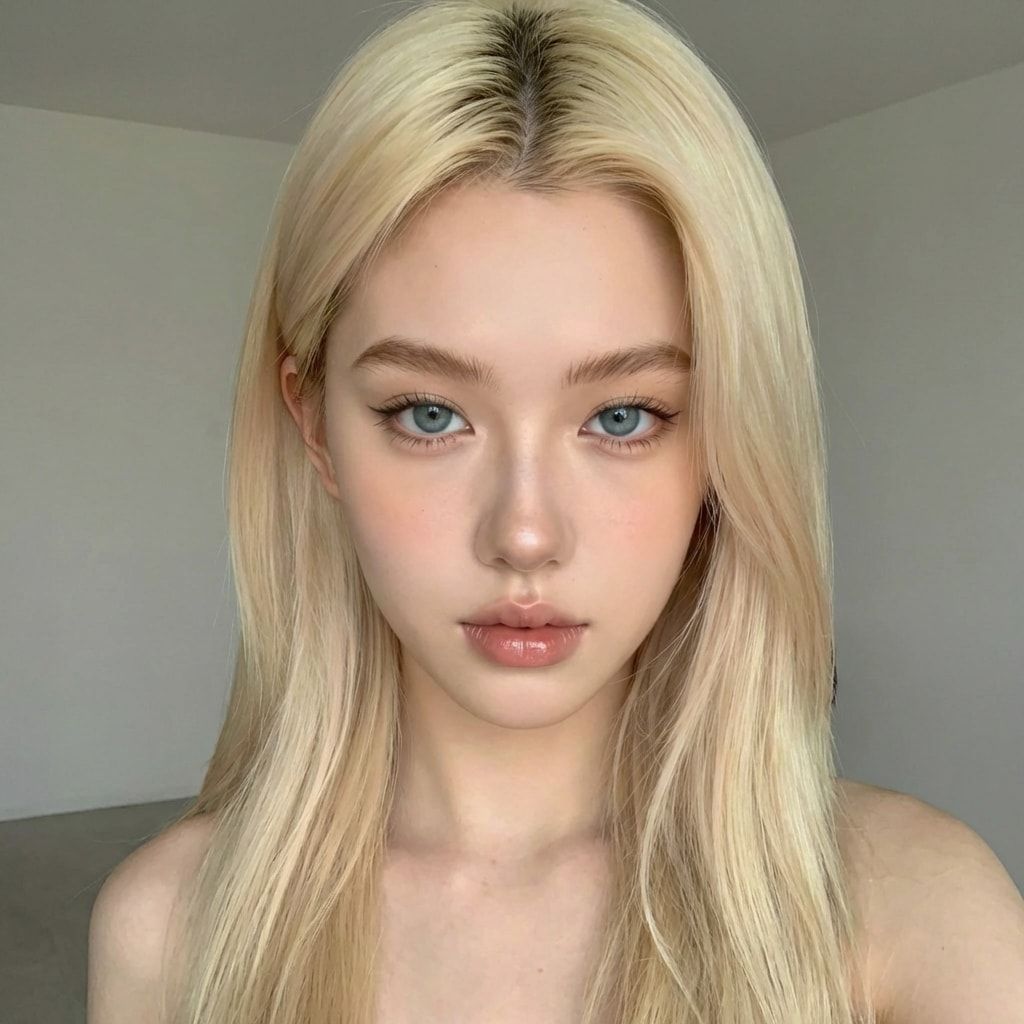
- Angles. Facing the camera, looking left and right, looking up and down, both side profiles. The course’s six angle prompts start from “subject must be looking slightly to the left with her head slightly tilted to the left”.
- Framings. Close-up, upper body, cowboy shot, three-quarter body and full body. Skipping full-body shots is the most common gap.
- Outfits. Many different ones, so no single outfit sticks.
- Places and light. Indoors and out, daylight, golden hour, warm indoor light, night.
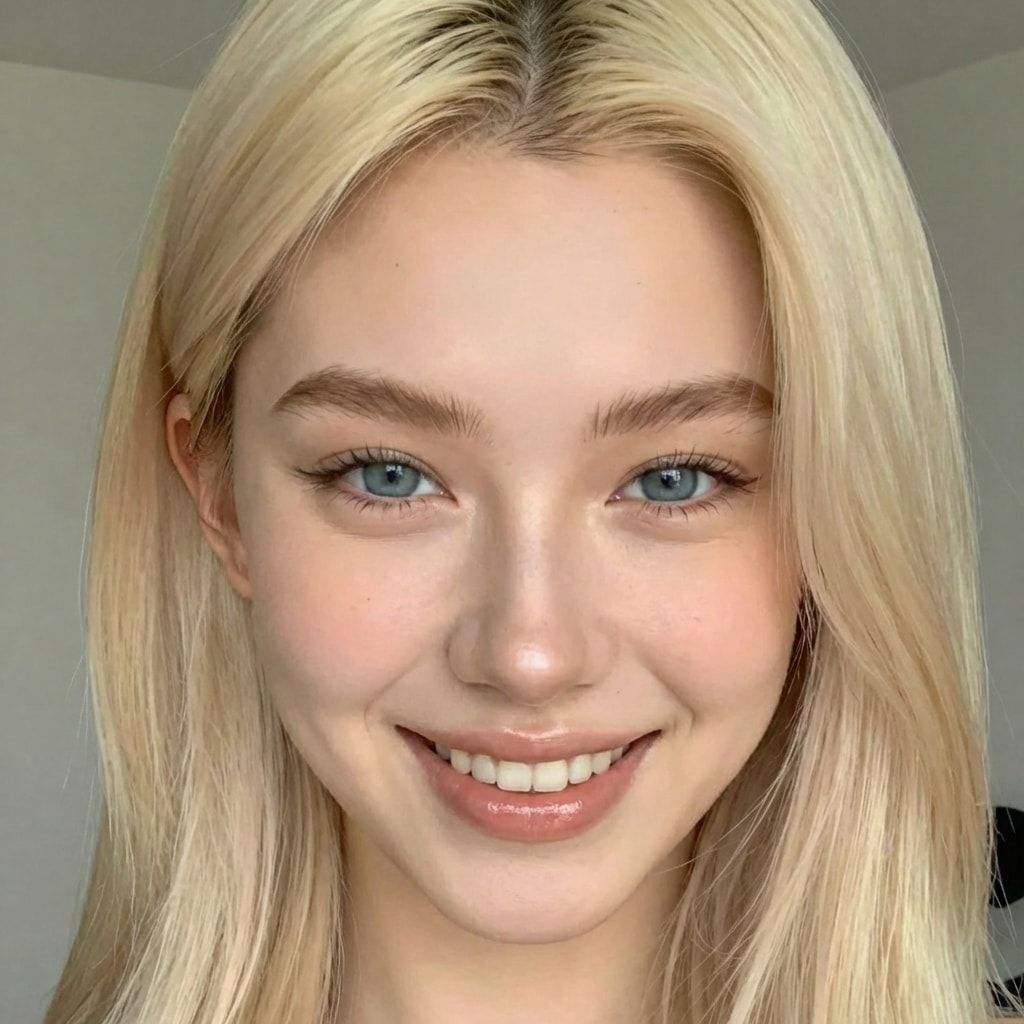
- Expressions. Neutral, smiling, laughing, serious.
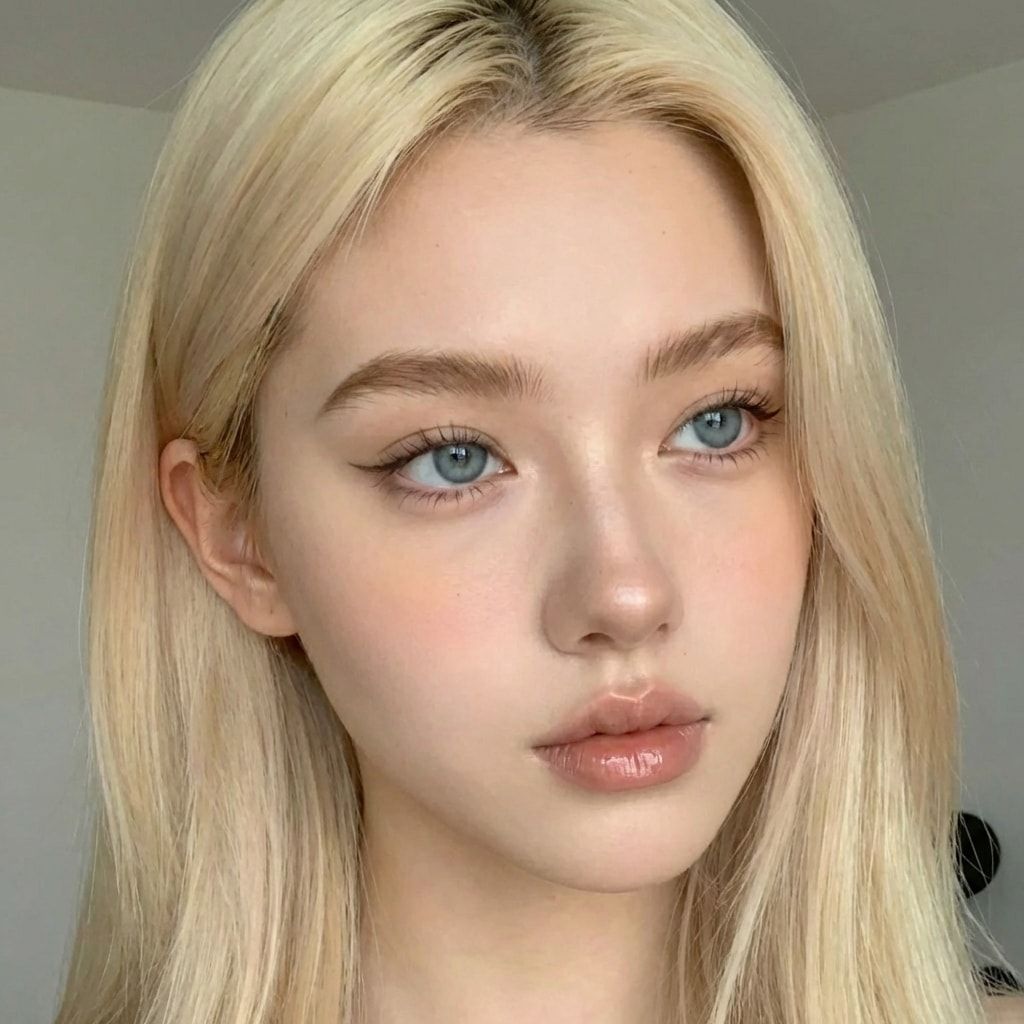
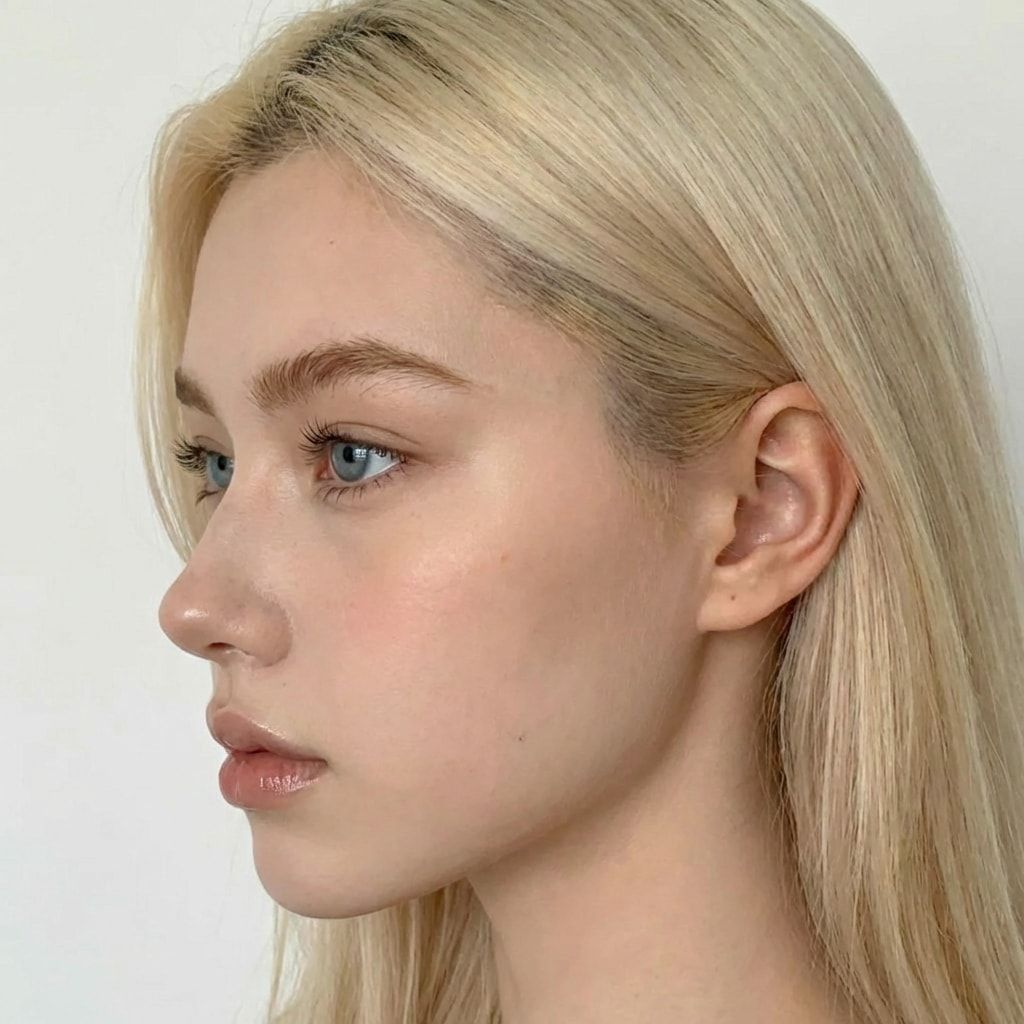
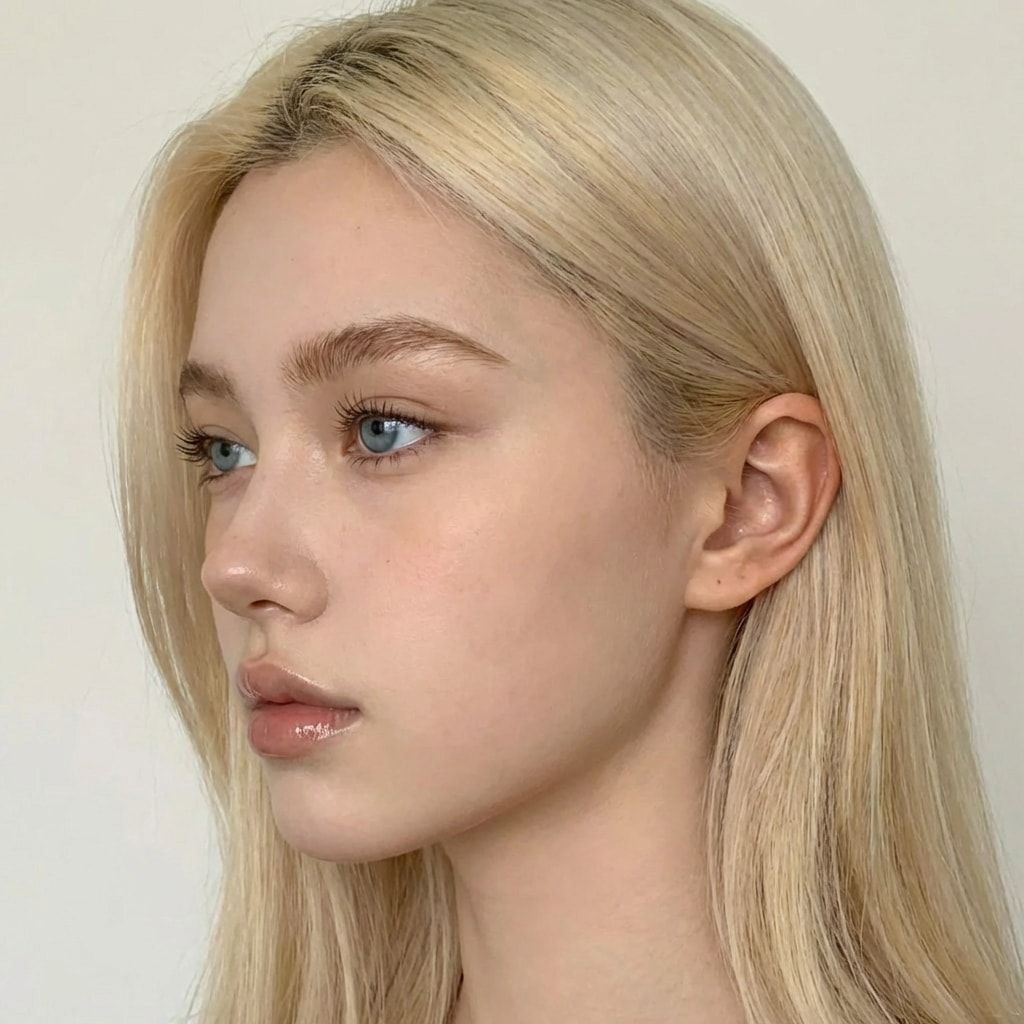
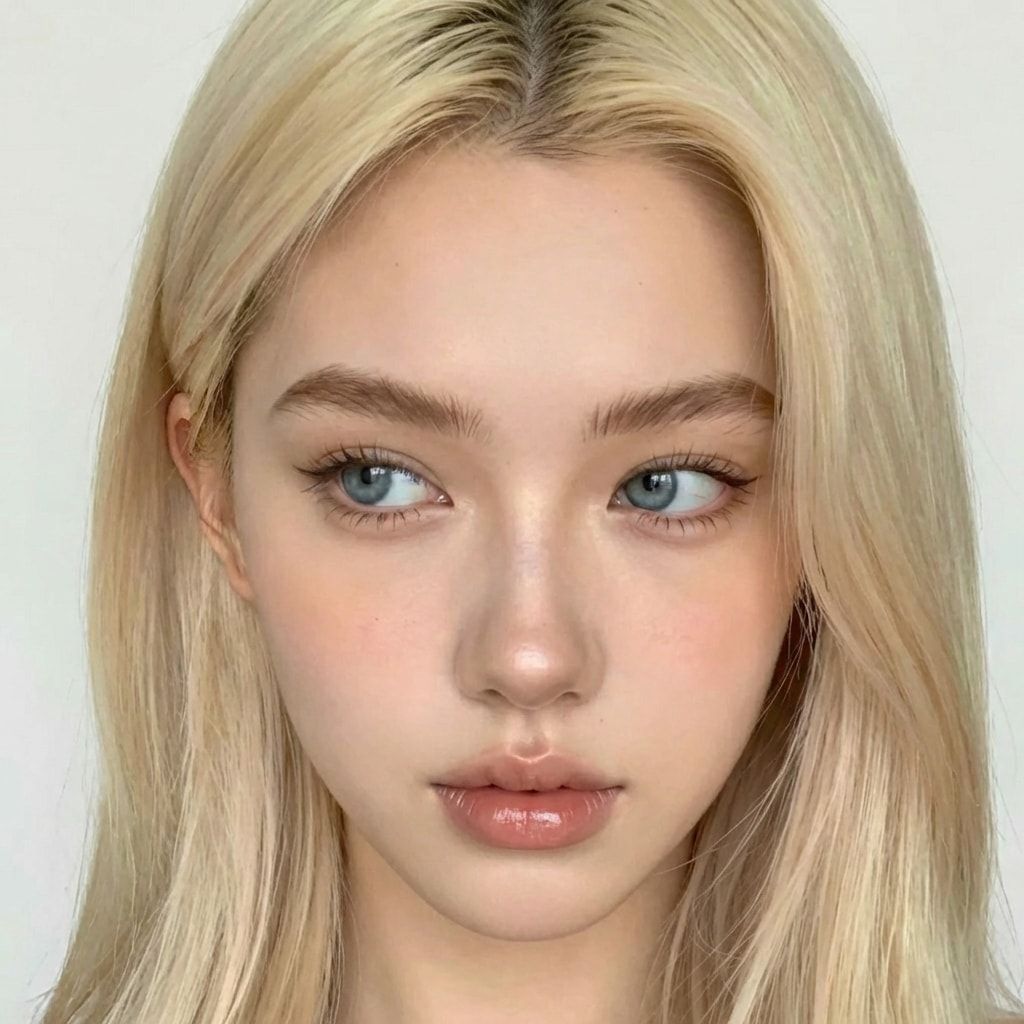
Can you train a LoRA on AI-generated images?
Yes, and for an original character it’s the only clean way. Generate one face you like, then use an image-editing model to make about 50 images of that same face in different angles, outfits and places. Curate hard, caption, train. No real person’s photos are involved at any point, and none should be.
This is what the consistent AI character method is built on.
How do you caption images for LoRA training?
One .txt file per image, with the same file name (image_01.png and image_01.txt). Each caption starts with the trigger word, then describes only what should stay changeable, in this order: the shot and pose, outfit, place, light, and the framing last. Never her face, hair, eyes or body.
An example caption:
zvx woman, standing and looking slightly to the left, soft smile, navy blazer over a white top, train station, overcast daylight, upper bodyTo check a whole set at once, paste them into the free LoRA caption checker: it flags hair and face words, a missing or misspelled trigger word and duplicates, and writes a fixed copy.
Why leave the face out? Whatever the captions don’t mention, the trainer ties to the trigger word. Leave out her face and hair, and they become “zvx woman”. Write “long brown hair” in every caption, and the LoRA learns that hair is a separate, changeable detail, so it might change it.
How do you pick a trigger word?
Pick a made-up word the model has never seen, plus a plain word for what she is: our default is zvx woman. Use it exactly the same in every caption, when you train and at the start of every prompt, because one typo and the model won’t call her. More in our LoRA trigger word guide.
How long do you train, and how do you pick the result?
The course’s job runs 3000 steps, about 2 to 3 hours on an RTX PRO 6000, and saves a checkpoint every 250, keeping 12. Then you compare a few: video 3 downloads the final file, 2500 and 2000, runs the same prompt and seed on each, and keeps the one that looks most like her.
Signs of each:
| Checkpoint | What you see |
|---|---|
| Too early | The face is close but not quite her |
| Right | Clearly her, and backgrounds, outfits and expressions still change |
| Too late | The same background, outfit or expression in every image; plastic skin |
The final file isn’t always the best: too many steps can make her face look plastic, and in the video 2500 was the keeper. The side-by-side method is in how to test a LoRA.
Training runs on a rented GPU: the course uses the 96 GB RTX PRO 6000, because 32 to 48 GB cards need quantization and Low VRAM and give a worse LoRA. Our RunPod guide covers what it costs.
What can go wrong?
- A second face sneaks in. One or two images where she looks slightly different teach the LoRA a blend. Delete anything that isn’t clearly her.
- Captions describe her hair or face. The LoRA treats them as changeable and they drift. Strip them from every caption.
- Mismatched file names.
image_01.pngwithimg_01.txtmeans that image trains with no caption. Keep names identical. - No full-body shots. The LoRA nails close-ups and invents a different body in full shots. Add more full-body images and retrain.
- Low-resolution images. Blurry or compressed images teach blur. Use images at least as large as the training resolution.
Questions people ask
Is 10 images enough for a LoRA?
Can I use 100 or more images?
Do I need captions for a character LoRA?
Can the training images be AI-generated?
What resolution should the images be?
Read next
- How to keep your AI character's face the same in every photo
Prompts, reference images, a character LoRA, or a LoRA trained on a dataset you generate. What each holds, what it costs, and when you need a LoRA.
- Free AI influencer prompt generator
Pick outfit, location, pose, light and camera style and get a ready-to-copy AI influencer prompt in the format that works with a character LoRA. Free.
- RunPod for AI images: templates, GPUs and what it costs
Rent a GPU by the hour instead of buying one. Which RunPod GPU to pick, what storage costs, how to run ComfyUI, and the stop vs terminate trap.