Free LoRA dataset planner
A balanced 50-image character dataset is 17 close-up or upper-body shots, 17 cowboy or three-quarter shots and 16 full-body shots, spread over seven angles and five expressions. Set your image count and trigger word, and this planner writes the shot list, a checklist and one caption per image.
Why 20 to 50 images: how many images you need for a LoRA. Why train one at all: how to keep an AI character consistent. The split below is a starting plan, not a rule.
How does the planner split a 50-image dataset?
Into three equal groups by framing, then across angles and expressions. Fifty images become 17 close-up or upper body, 17 cowboy or three-quarter body and 16 full body. Angles lean on the front view, expressions lean on neutral and a soft smile, and 20outfits rotate so none appears more than 3 times.
| Framing | Images (of 50) | What it shows |
|---|---|---|
| Close-up | 9 | Head and shoulders. Teaches the face in detail. |
| Upper body | 8 | Waist up. Most selfies look like this. |
| Cowboy shot | 9 | Mid-thigh up. |
| Three-quarter body | 8 | Knees up. |
| Full body | 16 | Head to feet. The gap most datasets have. |
The 1/3 split is the same mix the course uses for prompts. Full body gets a whole third on its own because it’s the shot most datasets skip, and a LoRA that rarely saw her full body invents one.
Which angles should a character LoRA dataset cover?
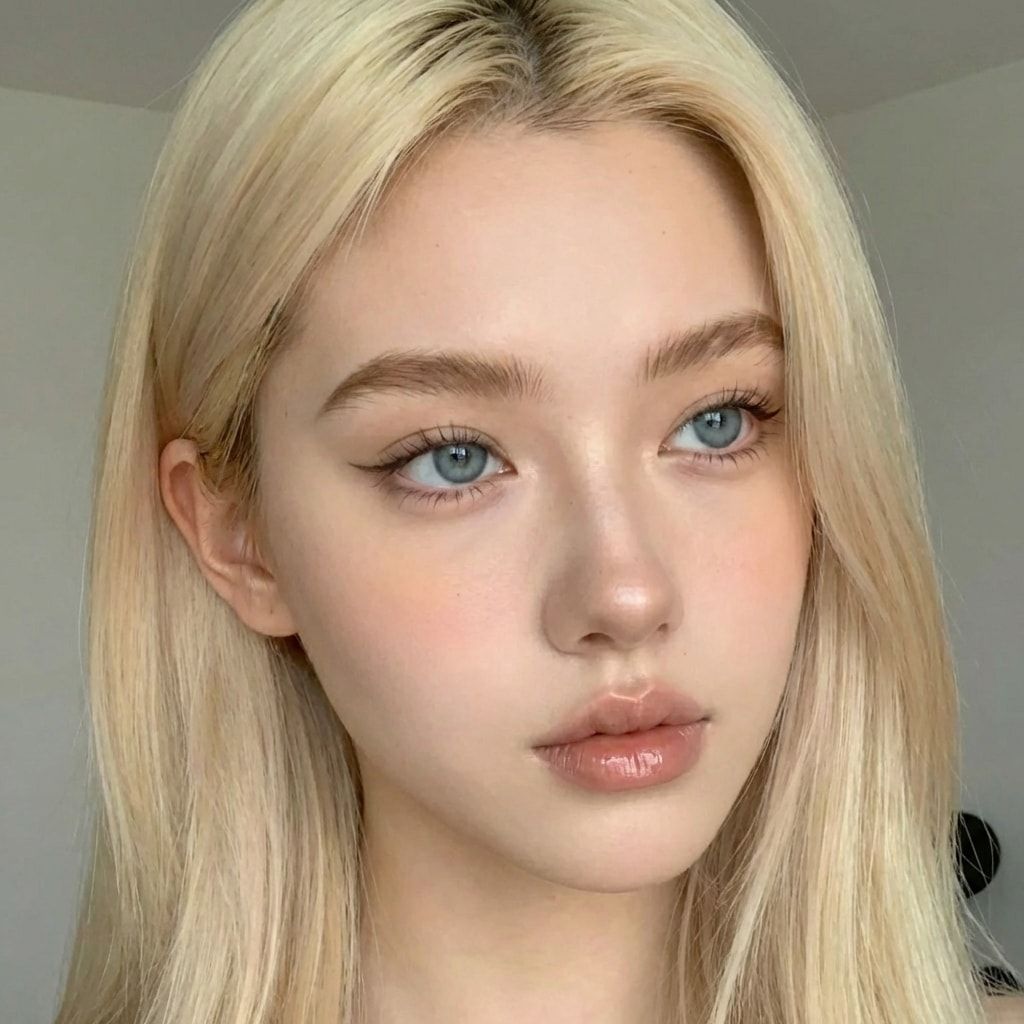
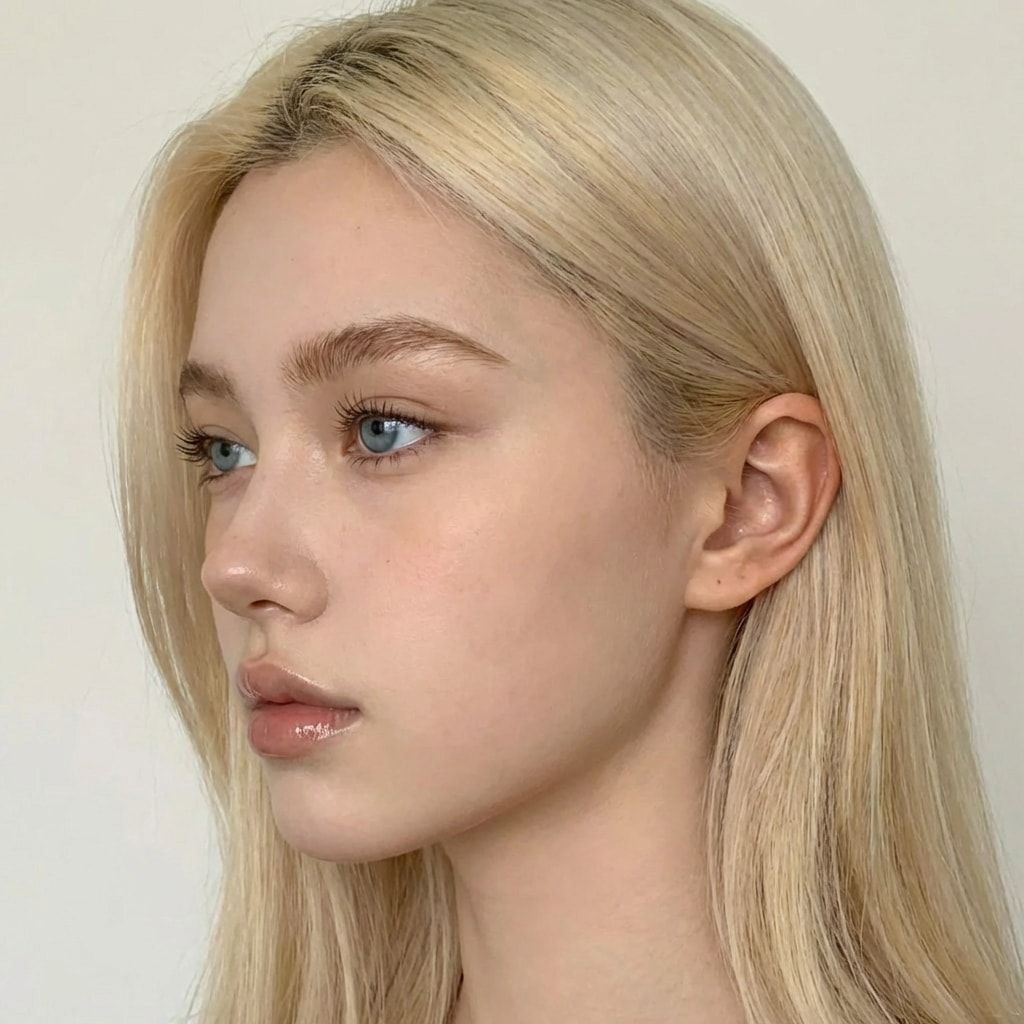
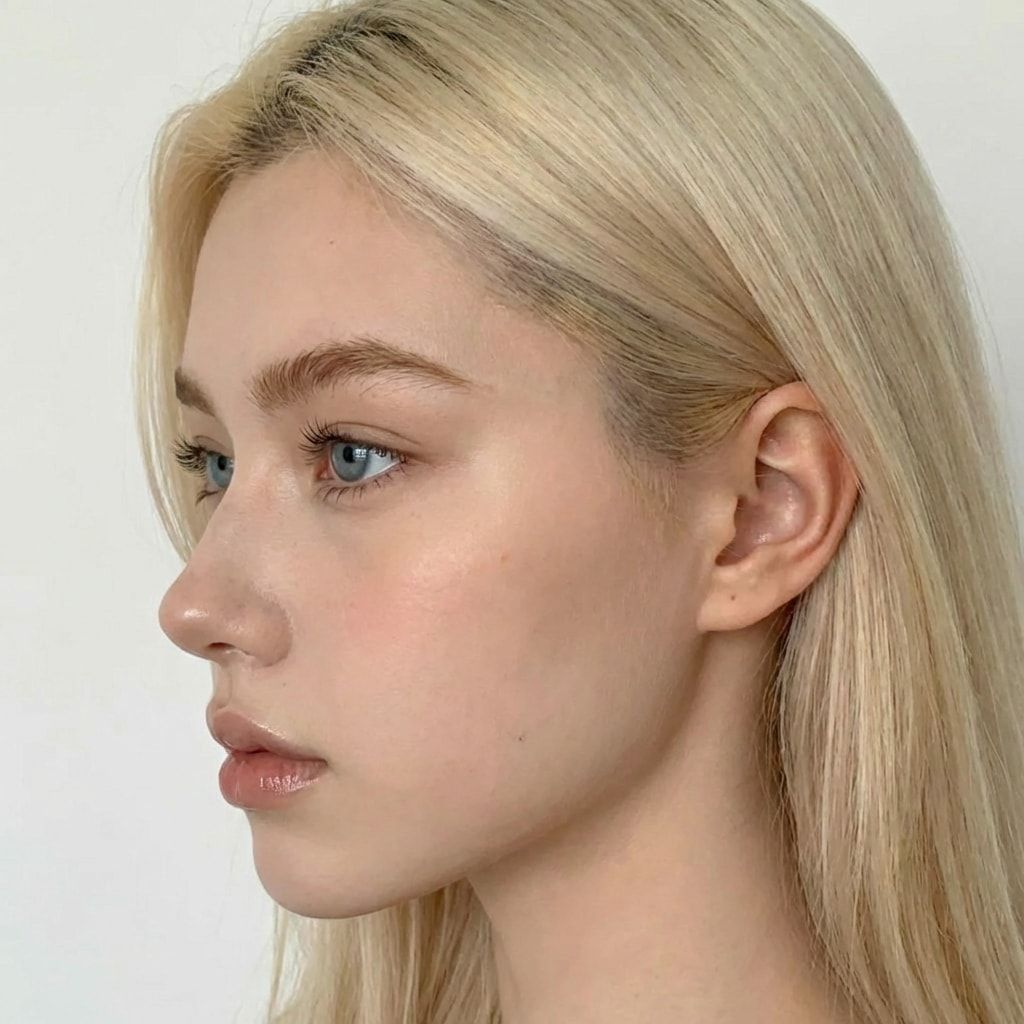
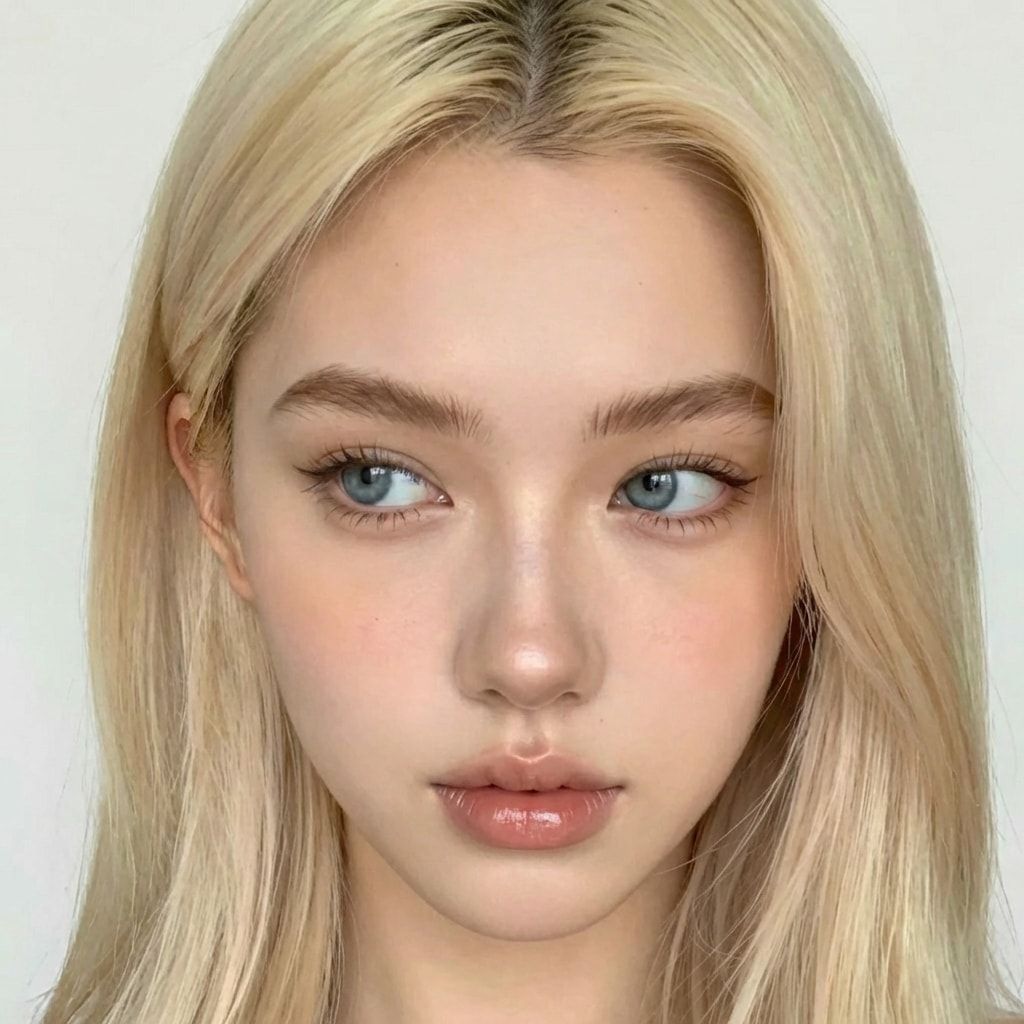
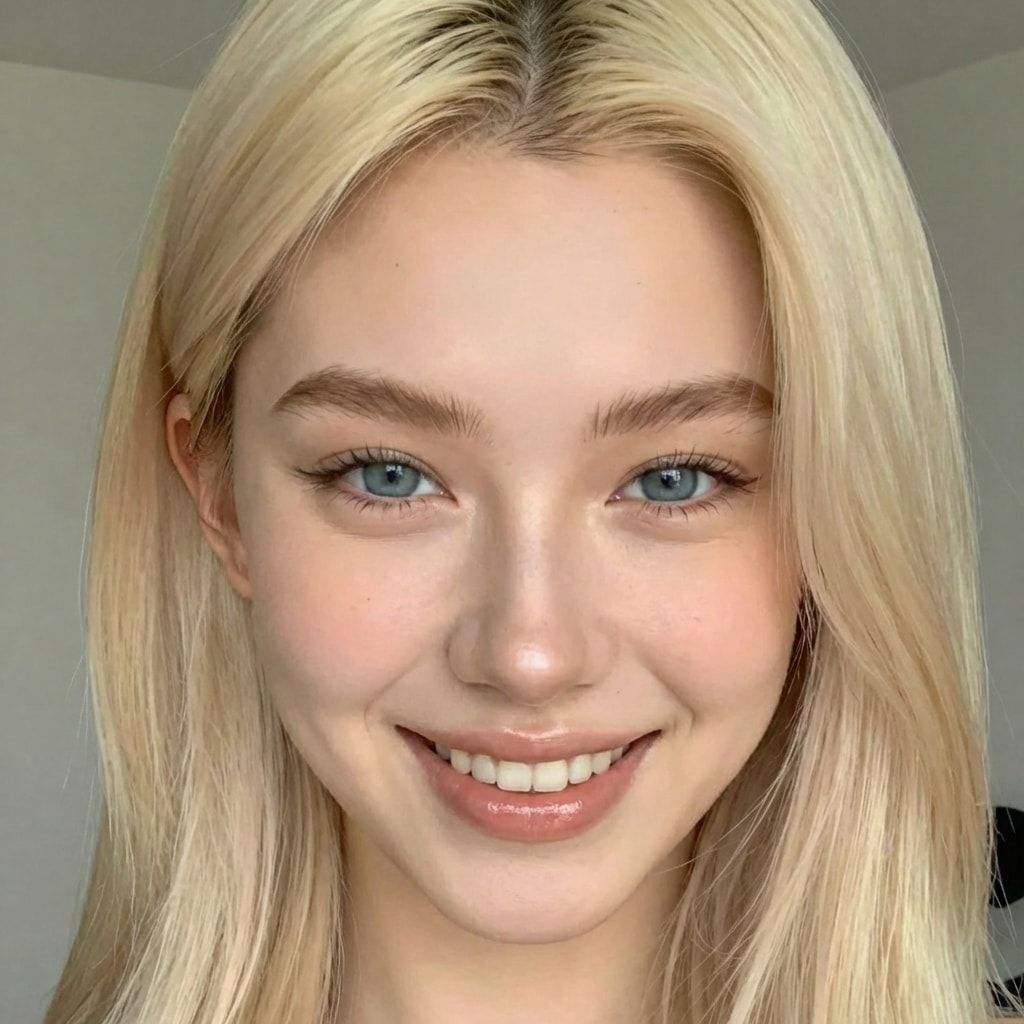
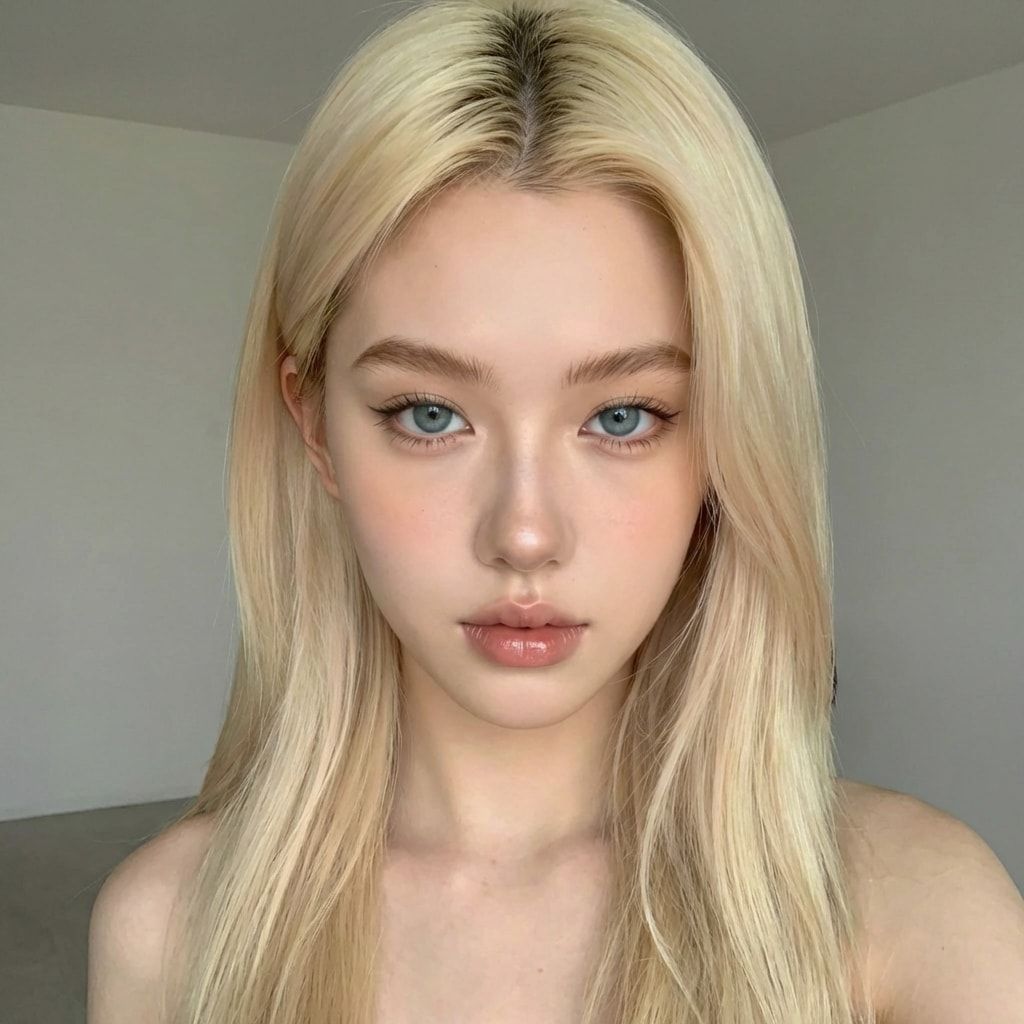
Seven: the front view plus the six angles the course prompts an edit model for. Those are looking slightly left and slightly right with the head tilted, looking up, looking down, and the left and right side profiles. The front gets the most images, because that’s how most of her photos will look.
| Angle | Images (of 50) | Caption words |
|---|---|---|
| Front | 15 | facing the camera |
| Three-quarter left | 8 | looking slightly to the left |
| Three-quarter right | 7 | looking slightly to the right |
| Looking up | 5 | looking up |
| Looking down | 5 | looking down |
| Left profile | 5 | left side profile |
| Right profile | 5 | right side profile |
The course’s first angle prompt, for an image-editing model, reads:
subject must be looking slightly to the left with her head slightly tilted to the leftThe other five swap in “to the right”, “looking down”, “looking up”, “left side profile” and “right side profile”.
How should you caption each image?
With one line in a fixed order: trigger word, shot and pose, expression, outfit, place, light, and the framing last. That’s the order our Dataset Maker writes. Save it as a .txt file with the same name as the image. Leave her face and hair out of every caption, so the trainer ties them to the trigger word instead of treating them as details that can change.
Image 10 of the default plan, saved as image_10.txt next to image_10.png:
zvx woman, looking slightly to the left, smiling, beige trench coat, in an airport lounge, warm indoor light, upper bodyUse your own trigger word in place of zvx woman, spelled the same in every caption. The planner only knows where she looks, so add her pose to that first part once you’ve made the image: “sitting on a bench looking up”. Close-ups name the shot first (“close-up portrait looking up”) and need no framing word at the end. Close-ups and upper-body shots name only the top she wears, because the rest of the outfit isn’t in the frame. Copy all captions at once, or download the plan and paste each line into its file.
When should you change the split?
When your feed leans one way. If you mostly post full-body outfit photos, pick “More full body” and 40% of the set becomes full body. If you post selfies, pick “More close-ups”. Every focus keeps at least 30% in each group, because a LoRA that never saw a framing has to guess at it.
The plan doesn’t depend on the base model; training settings and results do. Whatever you train on, test a few checkpoints with the same prompts before you commit to one: how to test a LoRA has the method we use.
How do you make the images in the plan?
Start from one clear, front-facing face of your original AI character, then use an image-editing model to make each planned shot of that same face. Our public AI Empire Dataset Maker does it in one run: one face photo in, 50 images with a caption file each out, zipped.
Its captions use the same format as this planner. If you make the images another way, use the plan as your shot list and the six angle prompts above. Only ever use images of your own AI character, never photos of a real person. A rented GPU is enough for all of it; our RunPod guide covers which one to pick.
What can go wrong?
- A second face sneaks in. One or two images where she looks slightly different teach the LoRA a blend. Delete them, even if it leaves you short of the plan.
- Captions mention her hair or face. The LoRA treats them as changeable and they drift. Strip them from every caption.
- One outfit in half the set. The LoRA learns it as part of her. Keep every outfit to a few images.
- Too few full-body shots. Close-ups look right and full-body shots show a different body. Add full-body images and retrain.
- File names don’t match.
image_01.pngwithimg_01.txttrains that image with no caption. - A typo in the trigger word. One caption with
zxv womanteaches a second word. Copy the captions instead of typing them.
Questions people ask
How many images should a character LoRA dataset have?
20 to 50. We train on 50. Below 20, the face tends to drift in angles the LoRA never saw; past 50 you mostly add training time and the risk of an off image. The planner goes up to 80 if you want room to cut. More in how many images you need for a LoRA.
What should a LoRA dataset include?
One face in every image, and variety in everything else: five framings, seven angles, several expressions, many outfits, indoor and outdoor places, and different light. The planner splits all of these for the image count you pick.
Should the captions describe her hair or face?
No. Whatever the captions leave out, the trainer ties to the trigger word. Leave out her face and hair and they become part of her. Describe them and the LoRA treats them as details that can change, so they drift.
Does the plan depend on the base model?
No. The plan is about what the images show, which matters for any base model. Training settings do depend on the model, and so do results, so test a few checkpoints before you commit to one.
Is the planner free, and does it send my data anywhere?
It’s free and needs no account. It runs in your browser and sends nothing anywhere. The download is a .txt file made on your own device.
Read next
- How many images do you need to train a character LoRA?
A character LoRA needs 20 to 50 images. We train on 50. What they should show, how to caption them, how to pick a trigger word, and what goes wrong.
- How to keep your AI character's face the same in every photo
Prompts, reference images, a character LoRA, or a LoRA trained on a dataset you generate. What each holds, what it costs, and when you need a LoRA.
- Free AI influencer prompt generator
Pick outfit, location, pose, light and camera style and get a ready-to-copy AI influencer prompt in the format that works with a character LoRA. Free.