Which AI influencer generator should you use?
There’s no single best AI influencer generator: the right one depends on how many photos you need, whether you need video, and whether you want to own her face as a file. We compared 4 popular apps on their own pricing and terms pages, checked 4 Oct 2026. None of them says you can download the trained character, so we build ours as a LoRA. The full build is in how to create an AI influencer.
Affiliate note: RunPod and Fanvue links on this page are referral links. If you sign up through them, AI Empire may earn credits or a commission. You pay the same. How this works.
On this page
- Why is every “best AI influencer generator” list different?
- What does each app give you, and what does it cost?
- Can you take your character with you if you leave?
- Which rights and face rules should you check before paying?
- When is an AI influencer app the right choice?
- What do we use instead, and what does it cost?
- What can go wrong?
Why is every “best AI influencer generator” list different?
Because many are written by the apps on them. When we searched the phrase on 4 Oct 2026, most of page one was published by AI influencer apps, and one titled “8 Tools Tested” put its own app first. So we skipped scores and compared what each vendor publishes about itself: price, characters, rights and export.
We also left two kinds of apps out: ones built to clone a real person’s face from their photos, and AI girlfriend chat apps. This site only builds original, clearly adult AI influencers that are labelled as AI.
This page is about all-in-one generator apps. For the tool we use at each step (face, dataset, LoRA, daily photos, video), free and paid, see the AI influencer tools we use.
What does each app give you, and what does it cost?
Every one of the four sells credits, by monthly plan or one-off pack, and spends them per image or video. They differ in how a character is made, how many characters a plan holds, and what you can do with the results. The prices below are each vendor’s own, checked 4 Oct 2026. Some show first-month or yearly discounts.
| App | Price (4 Oct 2026) | How she’s made | Download her model? |
|---|---|---|---|
| Higgsfield | Starter $19/month; Plus $59/month, or $47/month billed yearly | AI Influencer studio (1.12 credits a generation: a portrait plus a full-body shot) or Soul ID, trained on 20+ photos for 25 credits | Not mentioned on the pages we read |
| OpenArt | Billed monthly: Starter $14 (4,000 credits, about 13 consistent characters); Plus $34 (12,000 credits, about 40) | Consistent characters inside the app | Not stated on its pricing page |
| RYLA | Billed monthly: Basic $34.99 (up to 2 characters); Pro $99.99 (up to 6) | Character generator; Pro adds “custom face-model (LoRA) training” | Not stated on its pricing page |
| ZenCreator | One-off packs, from $19.99 for 200 credits to $499 for 6,300 | Character, photo and video tools in one place | Not mentioned on its pricing page |
| Our route | GPU time by the hour, plus a free face generator | A character LoRA trained in AI Toolkit | Yes, a .safetensors file |
Where each one fits, going only by what the vendor publishes:
- Higgsfield fits if you want many image and video models on one plan (Kling 3.0, Seedance, Nano Banana Pro and others); some plans add time-limited “unlimited” use of some models.
- OpenArt fits if you want the cheapest monthly entry of the four: $14 for about 13 consistent characters. Commercial rights start at Plus.
- RYLA fits if you want a free start (500 credits and 1 AI influencer, no card) and credits that roll over while you stay subscribed. Its Pro plan trains a LoRA.
- ZenCreator fits if you don’t want a subscription: packs are paid once, credits never expire, and it takes card or crypto.
Sources: Higgsfield pricing, Higgsfield’s AI Influencer post, Higgsfield on Soul ID, OpenArt pricing, RYLA pricing, ZenCreator pricing. Higgsfield’s own blog quoted a lower Starter price than its pricing page that day; we used the pricing page. Credits aren’t comparable between apps: each one prices its credits and its models differently.
Can you take your character with you if you leave?
None of the four says you can, on the pages we read on 4 Oct 2026. Higgsfield’s AI Influencer post offers downloads of the images, not the character. OpenArt, RYLA and ZenCreator don’t say either way. RYLA’s Pro plan even calls it LoRA training, so ask its support whether you can download the file before you build on it.
A character LoRA you train yourself is a file on your computer. It loads into ComfyUI, a RunPod template or your own bot, together with the base model it was trained for. The three checkpoints from our video 3 come to about 1.5 GB together.
Credits work differently in each app. Higgsfield and OpenArt reset subscription credits every billing period (OpenArt pricing FAQ). RYLA rolls unused credits over while you stay subscribed (RYLA pricing FAQ). ZenCreator sells packs that never expire. What else you keep and lose with Higgsfield is in Higgsfield alternative.
Which rights and face rules should you check before paying?
Two things matter most. First, commercial use: OpenArt’s pricing page lists commercial use rights from Plus up, not on Starter; RYLA says content made on a paid account is yours to use and monetise; Higgsfield doesn’t tie commercial use to a plan. Second, whose face you may upload. We never upload a real one.
- Commercial rights. Higgsfield’s help centre says its terms “do not tie commercial use rights to a specific plan” (Higgsfield, checked 4 Oct 2026). RYLA’s pricing FAQ says images, video and voice made on a premium account are yours to use, distribute and monetise (RYLA pricing). OpenArt’s page shows commercial use rights on Plus, Pro and Wonder (OpenArt pricing).
- Real faces. Higgsfield’s AI Influencer studio works without any photo; if you do upload a face, it must be yours or someone’s who gave permission. ZenCreator’s content policy says you may only upload material you have the rights and consents for, and it lists a face swap tool. Our characters start from a generated face, never a real one.
- Your uploads. Find the clause on what the app may do with what you upload and generate, and read it before you build on it.
- Disclosure. Whatever made her, label her as AI where you post. Instagram has an AI-generated profile label, and Fanvue requires clear AI disclosure in the bio, captions or a watermark.
When is an AI influencer app the right choice?
When speed matters more than ownership. If you want to test a look for a week before you commit, need a few video clips fast, or don’t want to touch a GPU at all, an app gets you there sooner. The course used one too: the AI UGC lesson generated clips with Higgsfield running Kling.
The line we draw: an app is fine as a tool for one step. It’s a bad home for her face, because everything else you build (the account, the followers, the paid page) depends on that face staying the same for months. If you start in an app, plan the move to a LoRA before you have an audience.
What do we use instead, and what does it cost?
Open-weight models on GPUs rented by the hour, with her face trained into a LoRA file we keep: a free face generator, our Dataset Maker and AI Toolkit. The whole build is about $7 to $13 of GPU time on our estimate (secure cloud, prices as of 2 Oct 2026). After that, a session of photos costs cents.
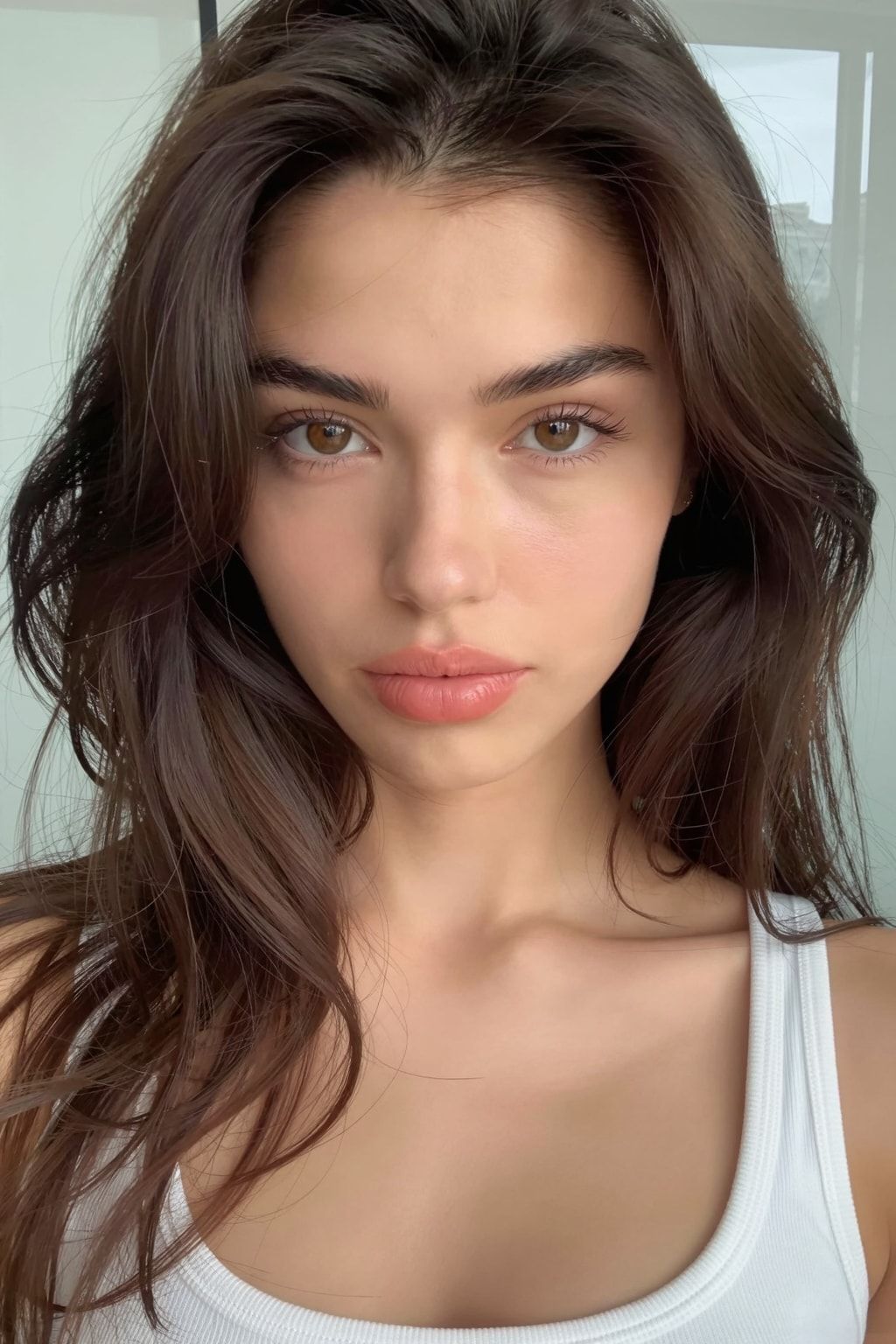
The tool at each step, free and paid, is in the AI influencer tools we use, and the line-by-line budget in what it costs to start an AI influencer. Video 1 makes her face for free. We rent the GPUs on RunPod, by the hour, and stop and terminate the pod when we’re done.
What can go wrong?
- You pick from a list the app wrote about itself. Check who published a “best” list before you trust its order.
- You grow an audience on a face you can’t export. If the app raises prices or changes its terms, her face may stay there. Find out whether you can download it, or train a LoRA, before you have followers to lose.
- You sell work made on a plan without commercial rights. OpenArt’s pricing page lists them from Plus up, not on Starter. Check the plan, not just the app.
- Credits reset before you use them. On Higgsfield and OpenArt, unused subscription credits don’t carry over. Video eats credits fastest: test short clips before you buy a bigger plan.
- You upload a real person’s photo “just as a reference”. Even where an app allows it with consent, we don’t. Start from a generated face.
- You think our route is free. The software is free; GPU time isn’t. A stopped RunPod pod still bills its volume disk at $0.20 per GB per month (RunPod docs). Terminate it when your files are downloaded.
Questions people ask
Is there a free AI influencer generator?
Which AI influencer generator keeps the same face?
Can I sell images made with an AI influencer app?
Why don't you rank the apps?
Do I need an app at all?
Read next
- The AI influencer tools we use at every step, free and paid
The AI influencer tools we use at each step, free and paid: face, dataset, LoRA, daily photos, video and UGC. Real costs, dated October 2026.
- Is there a Higgsfield alternative where you own your character?
What Higgsfield is, what you keep if you cancel, and the alternative we use: open-weight models and her own LoRA on a rented GPU, with Kling bought direct.
- How to keep your AI character's face the same in every photo
Prompts, reference images, a character LoRA, or a LoRA trained on a dataset you generate. What each holds, what it costs, and when you need a LoRA.
- How to create an AI influencer in 2026, step by step
One original face, a 50-image dataset, a character LoRA you own, the AI label on, then growth and Fanvue. Real steps, settings and GPU costs.