How to grow an AI influencer on TikTok
An AI influencer grows on TikTok with 2 formats: dance videos on trending sounds, and photo posts that look like casual, slightly bad selfies. Make both with her own face and an allowed pose source (her own earlier AI images or licensed stock references), turn on TikTok’s AI label every time, and send viewers to her Instagram instead of relying on a TikTok link. TikTok is one channel in the AI influencer growth system, and it feeds the main Instagram account.
Can an AI influencer grow on TikTok?
Yes, as long as every realistic post carries an AI label. TikTok’s Community Guidelines require labels on AI-generated content showing realistic-looking people or scenes, and say unlabelled content may be removed, restricted or labelled by TikTok. TikTok’s Creator Academy says the label itself won’t affect distribution if the video follows the guidelines.
Both statements are from TikTok’s own pages, checked 2 October 2026: the integrity and authenticity guidelines and the Creator Academy article on the AI label. So the label isn’t a cost. Skipping it is the risk.
What actually limits reach on TikTok is the same as for anyone: content that’s copied, low effort or suggestive. More on that below.
Which TikTok formats work for an AI influencer?
Two, in the course: dance videos and photo posts. Dance videos ride trending sounds and show she’s a moving, consistent character. Photo posts are the cheap, fast format: casual phone selfies that look like she took them herself, slightly imperfect on purpose. Neither needs her to talk, which keeps production simple.
| Format | What it looks like | How you make it | Label |
|---|---|---|---|
| Dance video | Her doing this week’s trending dance, everyday outfit, everyday room | A clip you filmed of your own movement, or a licensed clip, rebuilt with her (video phase of the course) | AI-generated content, under More options before posting |
| Photo post (“bad selfies”) | A few casual phone selfies: mirror, car, bed, a messy room | An edit model with her face and a pose from her own earlier AI images or licensed stock | AI-generated content, under Post settings |
How do you make the dance videos?
Start from a dance clip you filmed of your own movement, or a licensed one, rebuild one frame with her, then let a video model move her through the dance. The course covers three routes: Kling (rented, paid), and Wan 2.2 or LTX on a rented GPU. Never take someone else’s clip and swap her in.
The full walkthrough, including where to get a clip you’re allowed to use, is in how to make an AI influencer dance video. The tool trade-offs are in AI influencer videos.
Two TikTok rules make the “your own clip” point practical, not just ethical. TikTok’s originality policy says content copied from others, repurposed without creative edits, or showing someone else’s watermark may be removed from the For You feed (checked 2 October 2026). And its AI content rules don’t allow AI content with the likeness of a private person without their consent.
How do you make the photo posts?
Generate her in casual, phone-style selfies, then copy specific poses with an edit model. You give the model her face and a pose reference, either one of her own earlier AI images or a licensed stock pose, and it puts her in that pose. “Bad selfies” is the point: off framing, a messy room, mixed light.
- Get an allowed pose reference: one of her own earlier AI images, or a licensed stock pose reference. Never a photo taken from someone’s social media or a search result, and never a photo of yourself.
- Give the edit model both images. Her face first, the pose second. An edit model like Nano Banana Pro or Qwen-Image-Edit can follow it.
- Write the prompt with ChatGPT. Upload both images, call them “image one” and “image two”, say in plain words what to keep and what to change, and ask for a prompt for the edit model.
- Keep the casual look. Phone camera, real place, natural light. End text prompts with “candid smartphone photo, natural skin texture”.
- Post the photos with the AI label on under Post settings.
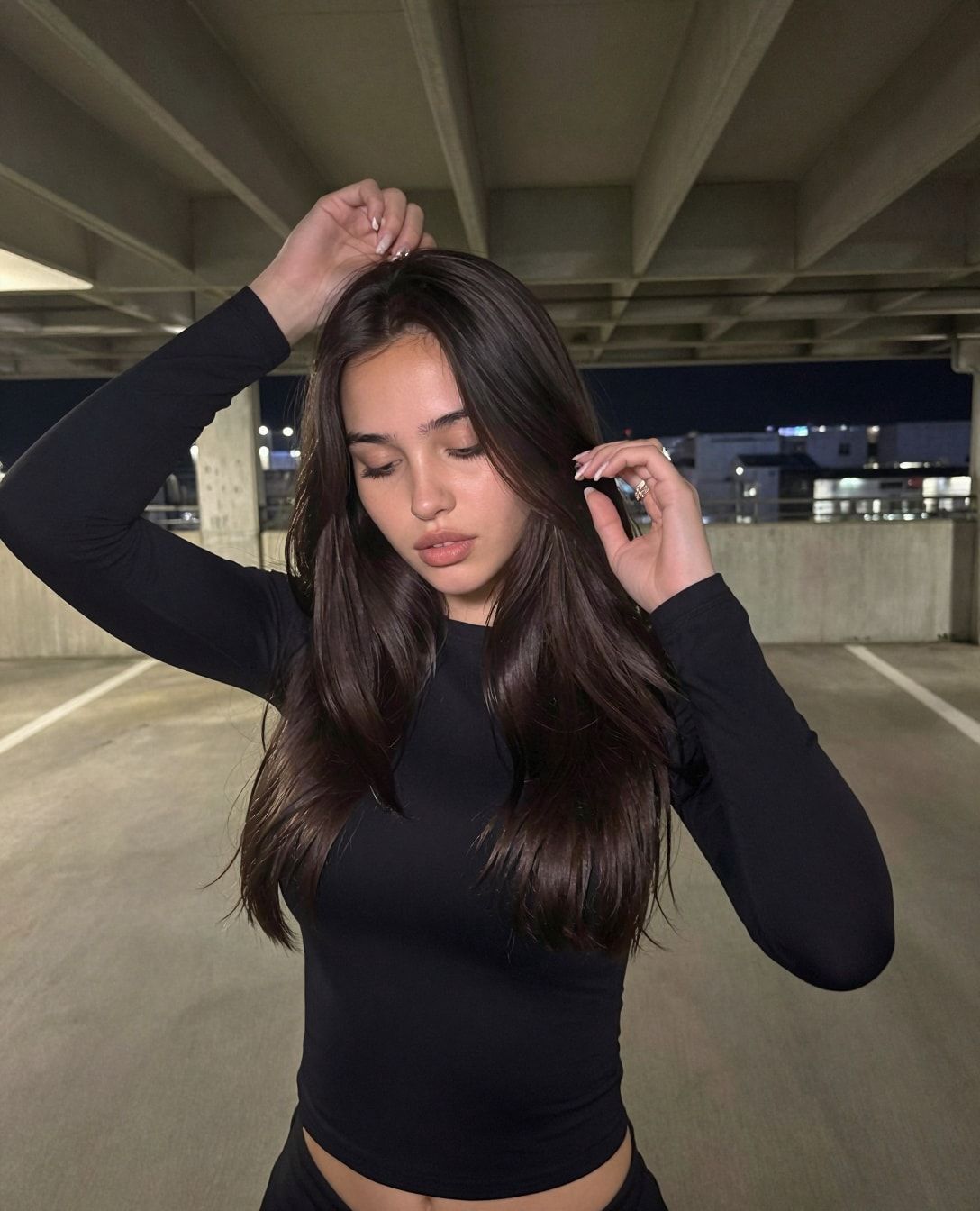
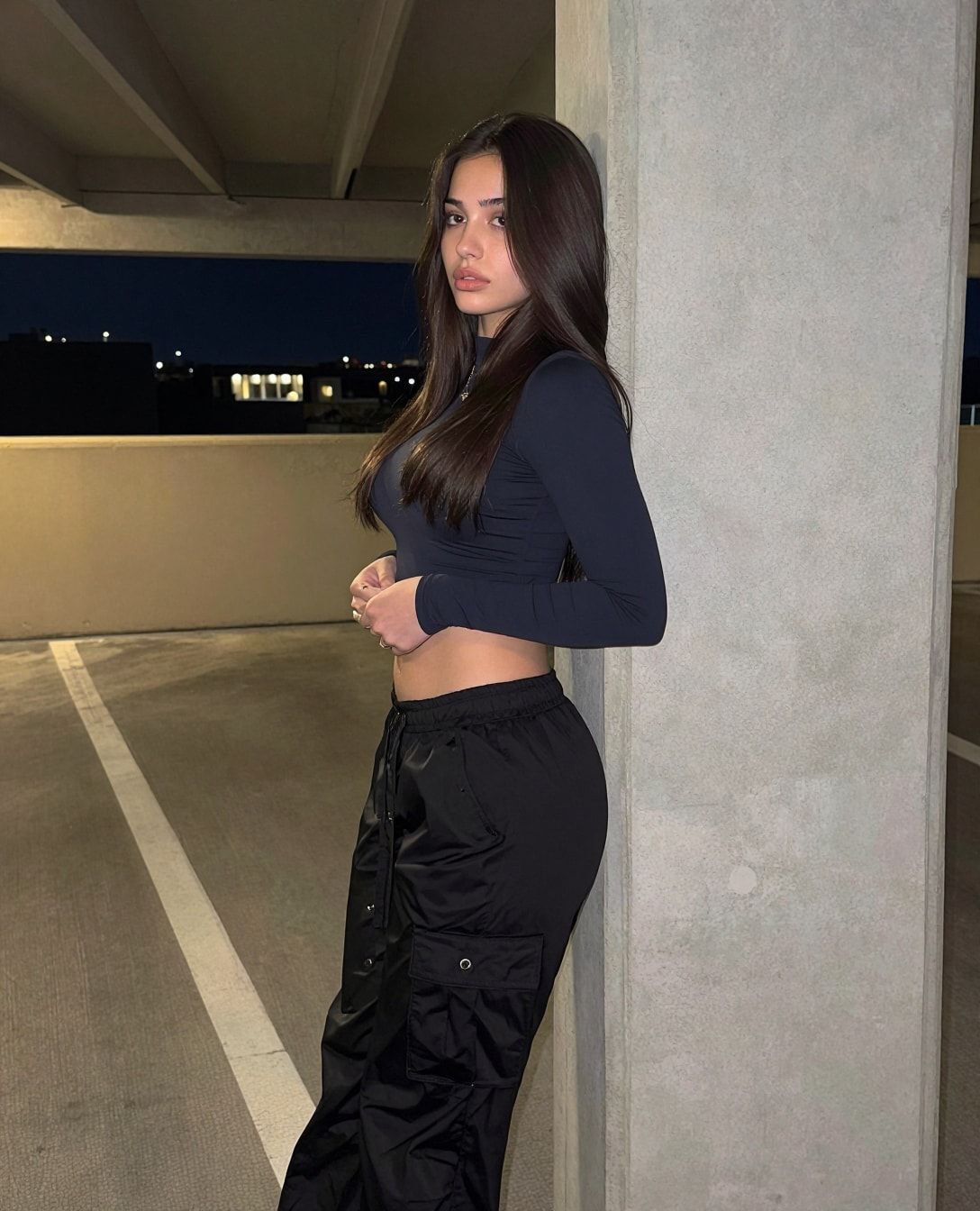
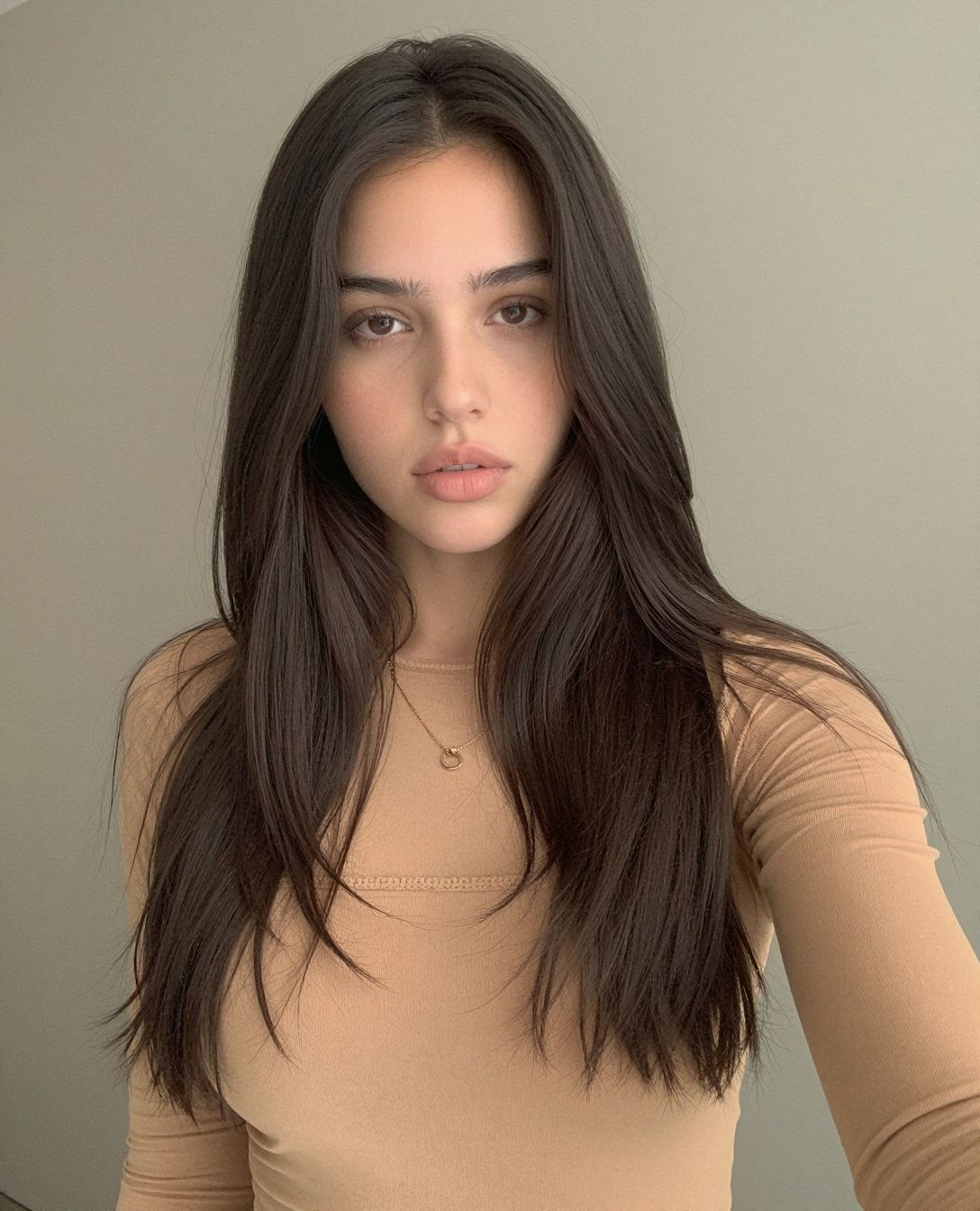
If her face drifts between edits, the fix is usually a character LoRA, not more edits. Why Nano Banana keeps changing her face explains when to switch.
How do you label AI content on TikTok?
Turn on TikTok’s own “AI-generated content” toggle before you post, on every photo post and every video, because TikTok requires a label on realistic AI people and may remove or restrict content without one. Then add a line in her bio saying she’s AI, so the disclosure is on the profile as well.
TikTok’s Creator Academy says you can’t edit or remove the label after posting (checked 2 October 2026), so set it before you tap Post.
The exact taps, TikTok’s automatic labels and what it still bans when content is labelled are in how to add the AI label on TikTok. The wider rules are in the AI influencer rules guide.
How do you research what to post?
Follow accounts like the one you’re building, then go through who they follow. That’s the course’s research method. Big accounts in her niche tend to follow accounts worth watching, and their following lists turn one good example into dozens. Your own For You feed then starts showing you more of the same, which is the real research tool.
- Save what works. When a dance trend or a photo style keeps showing up, it’s this week’s format.
- Keep her niche. A gym character doing a fashion trend is fine once. Every week, it blurs who she is.
Why send TikTok viewers to Instagram?
Because in the course’s experience you can’t rely on a link on TikTok, and her main account is on Instagram anyway. Instagram is where the warmed-up profile, the stories and the link page live. Point TikTok viewers there in her bio and in captions, by name. TikTok is the top of the funnel, not the end.
The other reason is the content line. TikTok’s Community Guidelines on sensitive and mature themes say significant adult body exposure and sexually suggestive behaviour by adults are age-restricted and not eligible for the For You feed (checked 2 October 2026). So keep TikTok safe for work: everyday outfits, everyday rooms. Anything more belongs nowhere on TikTok.
On Instagram, the 3-account system takes it from there: collab, trend-chasing and main accounts, a 7-day warm-up, a steady posting rhythm.
TikTok also pays some creators directly, through its Creator Rewards Program. Whether an AI character qualifies, and why the course doesn’t count on it, is in can AI content be monetized on TikTok.
What can go wrong?
- You forget the label. Unlabelled realistic AI may be removed or restricted. Turn it on before every post.
- You use someone else’s dance clip. Copied content and other people’s watermarks push videos out of the For You feed, and using a real creator’s clip isn’t something we do. Use a clip you filmed of your own movement, or a licensed one.
- The pose reference isn’t allowed. Same rule for photos: one of her own earlier AI images, or a licensed stock pose reference. Never a photo taken from someone’s social media or a search result.
- The content is suggestive. It gets age-restricted and kept off the For You feed. Everyday outfits only.
- The photos look like a photoshoot. Polished studio images don’t match the format. Bad selfies on purpose.
- Her face changes from post to post. Viewers spot it fast. Train a LoRA instead of fighting the edit model.
- You wait for a TikTok link to work. Send people to her Instagram by name from day one.
Questions people ask
Are AI influencers allowed on TikTok?
Does the AI label hurt views on TikTok?
What kind of TikTok content works for an AI influencer?
Can I repost other creators' dance videos with my AI character's face?
Read next
- How to grow an AI influencer on Instagram
Collab, trend and main accounts, a 7-day warm-up, a reel and carousel every 2 days, an optional $20/day boost on your 3 best posts. AI label on.
- Can AI content be monetized on TikTok?
TikTok's Creator Rewards rules don't mention AI: 10,000 followers, 100,000 views in 30 days, original videos over 1 minute, labelled. Checked 2 Oct 2026.
- How to add the AI label on TikTok (photos and videos)
The exact taps for TikTok's AI-generated content label on photo posts and videos, when TikTok labels you automatically, and whether it hurts reach.
- How to make an AI influencer dance video (from clips you're allowed to use)
Make AI influencer dance videos from clips you filmed or licensed: one sharp image of her, two LTX prompts, batches of ~20 clips, and the AI label.