How to add the AI label on TikTok (photos and videos)
On TikTok, you add the AI label with one toggle before you post: on a photo post it’s under Post settings, on a video it’s under More options (…), and both are called “AI-generated content”. TikTok requires it on all realistic AI content, which is every post of an AI influencer, and says the label doesn’t affect distribution (checked 2 October 2026). This page goes deeper on one row of our AI influencer rules table.
On this page
- Does TikTok require an AI label on AI influencer posts?
- How do you add the AI label to a TikTok photo post?
- How do you add the AI label to a TikTok video?
- Which TikTok label applies to which post?
- When does TikTok label your post automatically?
- Does the AI label hurt your reach on TikTok?
- What does TikTok ban even when it’s labelled?
- What can go wrong?
Does TikTok require an AI label on AI influencer posts?
Yes. TikTok’s help page says it requires creators “to label all AI-generated content that contains realistic images, audio, and video”, and its examples include entirely AI-generated images of real or fictional people. A photorealistic AI character fits that exactly. Unlabelled realistic AI content may be removed or restricted under TikTok’s Community Guidelines.
The rule comes from two official pages, both checked on 2 October 2026:
- TikTok Support, About AI-generated content: the steps, the label text and the auto-label rules.
- TikTok’s Integrity and Authenticity guidelines (effective 24 September 2026): realistic AI people and scenes must be labelled, by caption, sticker, watermark or the AI label.
TikTok also accepts text, a hashtag sticker or context in the description as disclosure. The toggle is better: it puts TikTok’s own label on the post, so nobody can say it was hidden.
How do you add the AI label to a TikTok photo post?
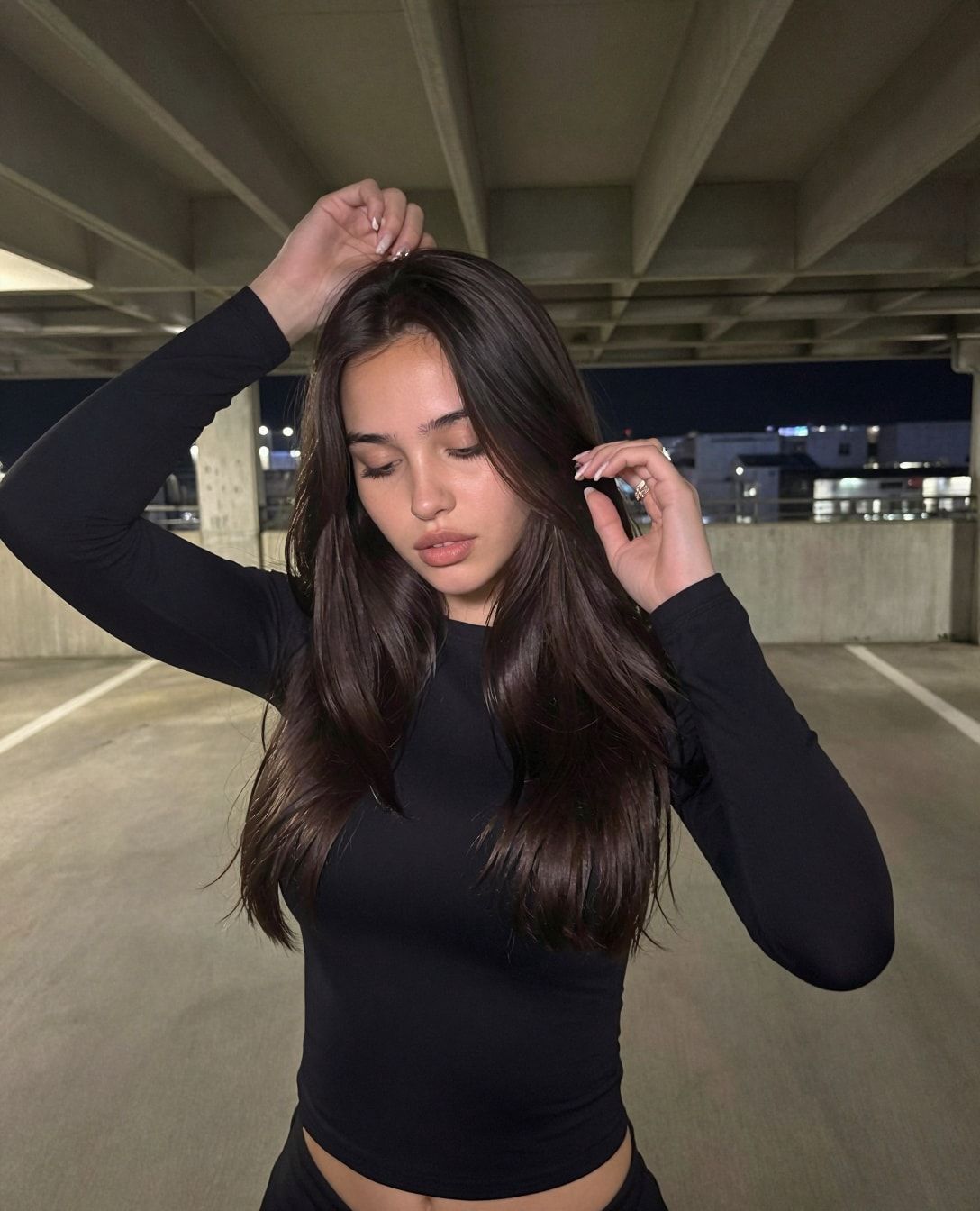
Photo posts use a short path. You turn the setting on from the Post settings screen before you publish, and TikTok shows “creator labeled as AI-generated” on the post. In the course, photo posts are the casual “bad selfie” format, so this is the path you’ll use most days. These are TikTok’s own steps, in the TikTok app:
- Tap the Add post + button at the bottom and capture your photo.
- Tap Post settings at the bottom.
- Turn the AI-generated content setting on.
- Post.
TikTok’s steps start from the camera. Most AI photos come from your gallery, so before you tap Post, check that the AI-generated content setting is still on. If it’s off, the post goes out unlabelled.
How do you add the AI label to a TikTok video?
Videos hide the toggle one level deeper, behind the More options menu on the final post screen. It’s easy to miss when you’re rushing a trend while it’s hot. The course’s other TikTok format is the dance video, so this is the path for every trend clip she posts. TikTok’s steps, in the app:
- Tap the Add post + button at the bottom.
- Record, then tap the Continue ✓ button. You can also upload a video from your device.
- Tap Next.
- Tap More options (…), then turn on the AI-generated content setting.
- Post.
TikTok’s Creator Academy says you can’t edit or remove the label after posting “at this time”, so it has to be on before you tap Post. Make it part of the routine: open More options on every upload, before the caption, so you never forget it.
Which TikTok label applies to which post?
It depends on how the post was made. Your own photos and videos need the creator label you switch on. Content made only with TikTok’s AI effects is labelled automatically. Uploads that carry C2PA Content Credentials may be labelled automatically too. Here’s every case, from TikTok’s help page, checked 2 October 2026:
| Post | Who labels it | Where | What viewers see | Can you remove it? |
|---|---|---|---|---|
| AI photo post (her selfies, carousels) | You | Post settings → AI-generated content | “creator labeled as AI-generated” | No. TikTok: can’t edit or remove it after posting |
| AI video (dance trends, clips) | You | More options (…) → AI-generated content | “creator labeled as AI-generated” | No. Same rule |
| Made only with TikTok’s AI effects | TikTok, automatically | Nothing to do | “AI-generated” | No |
| Upload with C2PA Content Credentials | TikTok may, automatically | Nothing to do | “AI-generated” | No |
| A real, unedited video of you | Nobody | Leave it off | Nothing | Misleadingly labelling real content as AI breaks TikTok’s terms |
The last row matters too: TikTok says misleadingly putting the AI label on unaltered content is a violation of its Terms of Service and can get the post removed.
When does TikTok label your post automatically?
TikTok may apply the “AI-generated” label itself when you use its AI effects, or when you upload a file that carries Content Credentials, the C2PA standard some AI tools embed as metadata. TikTok says it can’t be removed afterwards. So whether you get an auto label depends on which tool made the file.
Two practical points from our pipeline:
- Hosted tools may embed credentials. Google says Nano Banana Pro images made in the Gemini app, Vertex AI and Google Ads carry C2PA metadata (Google, 20 Nov 2025). If you edit a pose with Nano Banana Pro there, expect TikTok to spot it.
- Images from your own GPU may carry nothing. If the file has no credentials, TikTok has nothing to detect, and the label is entirely your job.
Either way, the routine is the same: switch the toggle on yourself. Never strip metadata from a file to avoid a label. That’s hiding AI, and it’s the opposite of what every platform now asks for.
Does the AI label hurt your reach on TikTok?
TikTok says no, in plain words: “Turning on the AI-generated content setting won’t affect the distribution of your video as long as it doesn’t violate our Community Guidelines.” What can cost reach is the alternative: realistic AI without a label may be removed or restricted.
TikTok’s Creator Academy (updated 26 September 2026) says the same with one more condition: the label won’t affect organic engagement as long as the content isn’t violative and meets the For You feed eligibility standards.
What decides whether her posts travel is the same as for anyone: trends, hooks, posting rhythm. The course’s TikTok formats are dance trends and casual photo posts, and it doesn’t rely on TikTok links. It sends people to Instagram, where the main account lives. Growth tactics are in growing an AI influencer on TikTok, and the dance format is in how to make an AI influencer dance video.
What does TikTok ban even when it’s labelled?
Some AI content is removed no matter how well it’s labelled. TikTok’s help page lists fake authoritative sources or crisis events, public figures shown endorsing something or being endorsed, the likeness of anyone under 18, and the likeness of adult private figures used without their permission. A label doesn’t fix any of these.
For an AI influencer, the last two are the ones to watch. Build an original character who clearly looks adult, and never base her on a real person’s photos. Pose references come from her own earlier images, licensed stock, or a clip you filmed of your own movement. Never another person’s photo or clip. More on lookalike risk in AI likeness laws.
Ads have their own rule. TikTok’s ads policy (updated April 2026) allows AI-generated content in ads when it carries the AIGC label or your own clear disclaimer, caption, watermark or sticker, and bans using a public figure’s likeness without permission.
What can go wrong?
- You upload from the gallery and the toggle is off. The post goes out unlabelled, and TikTok says you can’t edit the label after posting. Our advice: take the post down and post it again with the toggle on. Then check Post settings or More options on every post before you tap Post.
- You label the photo but not the video. They’re different paths. Dance videos hide the toggle under More options (…).
- You try to remove the label later. You can’t. TikTok says the label can’t be edited or removed after posting, and an auto label stays on the post.
- You strip metadata to dodge the label. It’s hiding AI, and the realistic-AI rule still applies to the post. Label it instead.
- You copy a creator’s whole video, face swap and all. Using another person’s likeness without permission is banned even with a label. For dance videos, film your own movement or use a licensed clip. Never another person’s clip.
- You rely on a TikTok link to send people to her other pages. The course doesn’t. Point people to Instagram from her bio and content.
Questions people ask
Does the AI-generated label reduce views on TikTok?
Can I remove the AI-generated label from a TikTok post?
Do I need the label if my AI character is obviously fictional?
Is a hashtag like #ai enough on TikTok?
Why was my post labelled AI-generated when I didn't turn it on?
Read next
- Are AI influencers legal? The 2026 rules, platform by platform
Instagram, Meta, TikTok, Fanvue, OnlyFans, the FTC, the EU AI Act and the TAKE IT DOWN Act: what each requires from an AI influencer. Checked 2 Oct 2026.
- How to grow an AI influencer on TikTok
Dance videos and casual photo posts, poses from her own AI images or licensed stock, TikTok's AI label on every post, and why fans go to Instagram.
- EU AI Act labeling requirements: what an AI creator has to do
Article 50 has applied since 2 Aug 2026. Why a paid AI creator counts as a deployer, how to label, the free EU icons, the 2 Dec date and the fines.
- How to make an AI influencer dance video (from clips you're allowed to use)
Make AI influencer dance videos from clips you filmed or licensed: one sharp image of her, two LTX prompts, batches of ~20 clips, and the AI label.