How to grow an AI influencer on Threads
To grow an AI influencer on Threads, start once her Instagram is at least 7 days old (usually 100 to 1,000 followers), keep the Threads profile public, and switch on the setting that lets Meta suggest her posts on Facebook and Instagram. Post two pictures with a short caption, reply to popular posts in her topics, and point everyone to Instagram. Threads is one piece of the AI influencer growth system, not a separate project.
When should an AI influencer start on Threads?
After her Instagram account has existed for at least a week, which in the course usually means somewhere between 100 and 1,000 followers. Threads exists to send people to Instagram, so Instagram has to be worth landing on first: a warmed-up profile, real posts, stories, the AI label switched on. Threads before that wastes the traffic.
If her Instagram is brand new, do the 7-day Instagram warm-up first. Threads can wait a week; a weak Instagram profile can’t be fixed by more traffic.
How do you set up her Threads profile?
Public profile, short bio, one job. Her bio says “more of me on Instagram”, so every visitor knows where to go next. Keep the profile public, because Meta only mentions suggesting posts from public profiles. Her AI disclosure carries over from Instagram, and Meta’s own AI labels apply on Threads too.
- Public profile. Meta’s help page ties suggestions on other apps to a public profile.
- Bio: “more of me on Instagram”. Nothing else to sell.
- Disclosure. Instagram’s AI-generated profile label is an Instagram feature, so say she’s AI in the Threads bio as well. Meta also puts “AI info” labels on AI content across Facebook, Instagram and Threads (Meta’s labelling policy). Leave AI markers in your files.
- Profile photo. Casual and fully clothed, the same face as on Instagram.
How do you get Threads posts onto Facebook?
Turn on Suggesting posts on other apps. Threads’ help page says that if your profile is public, Meta may suggest your posts on Facebook or Instagram so people can discover and follow you. The switch is in Threads, under Privacy, with one toggle for Instagram and one for Facebook. Leave both on.
Steps from Threads’ help page on post suggestions, checked 2 October 2026:
- In the Threads app, tap Profile (or your profile picture) at the bottom right.
- Tap Menu at the top right.
- Tap Privacy, then Suggesting posts on other apps.
- Under Allow your posts to be suggested on, keep Instagram and Facebook switched on.
Most people who search for this setting want to turn it off. For an AI influencer it’s the opposite: it’s free reach outside Threads. Facebook in particular reaches an older audience than Threads (the course’s observation), and Meta suggests the posts there so people can discover and follow her.
What should you post on Threads?
Two pictures of her and a short caption. That’s the format the course uses: casual photos from the same moment, a line that sounds like her, nothing that reads like an ad. Blurring one image as a spoiler makes people tap to see it. Then spend time replying to popular posts in her topics.

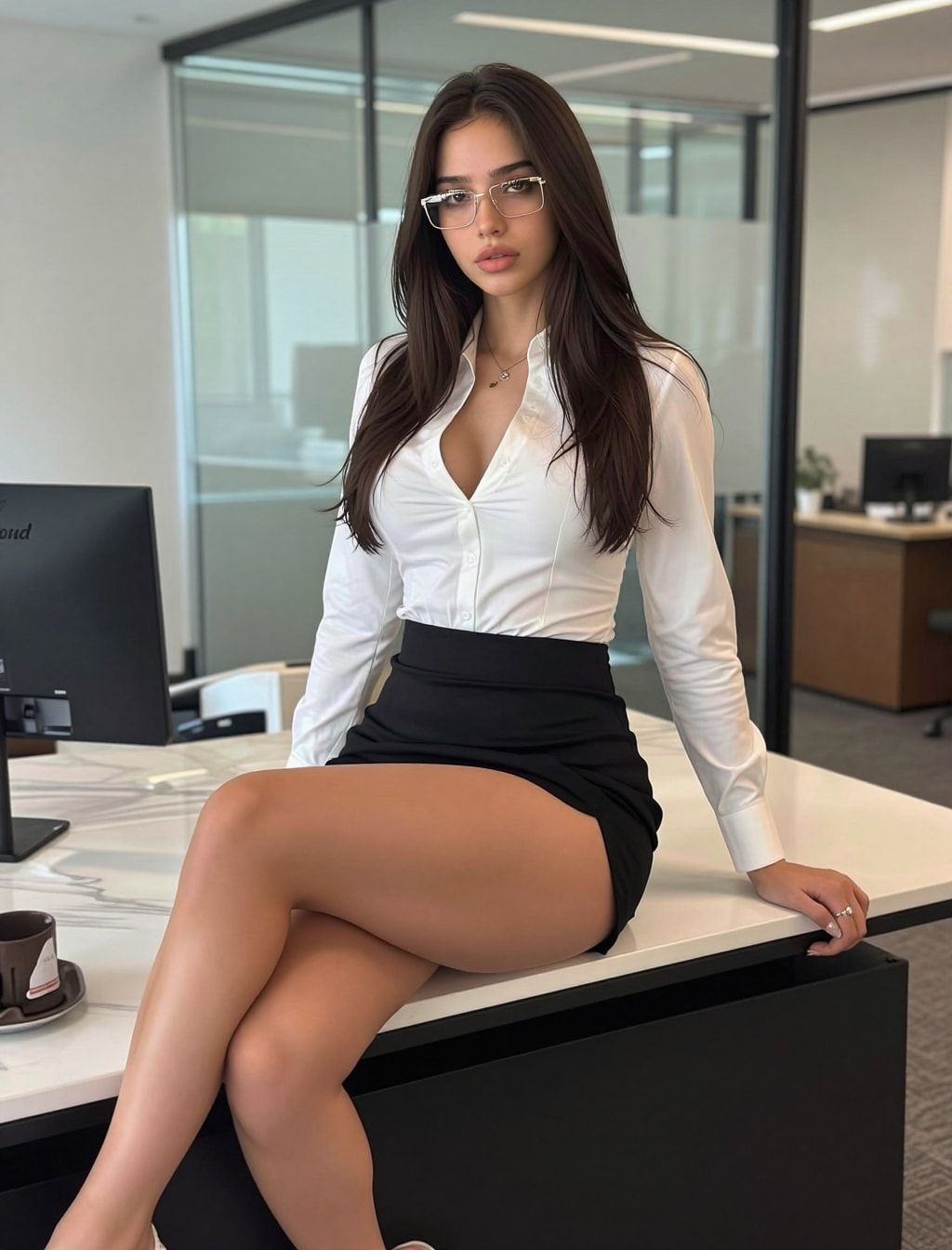
- Two pictures, one moment. Same outfit and place, different pose, like a mini carousel. The free prompt generator builds both prompts from one scene.
- Short caption. One line, in her voice.
- Spoiler blur. Threads lets you blur text and images as spoilers (Meta Newsroom on Threads). A blurred second photo makes people tap. Keep it safe for work: the blur is a tease about an outfit or a view, never a way to hide something Meta wouldn’t allow.
- Replies. Reply to popular posts in her topics, in her voice. In our experience, a good reply on a big post can reach more people than a new post from a small account.
- Trends. When a format is everywhere on Threads this week, make her version.
What topics should she post about?
Pick from a fixed list and stay in it. The course gives a keyword list for Threads topics: gym, routines, beauty, fashion and everyday lifestyle. Search each one on Threads, see which posts are getting replies, and reply or post into those conversations. In our experience, staying on a few topics works better than posting about everything.
The course’s Threads keywords, grouped:
| Group | Keywords |
|---|---|
| Gym | gym girl, gym selfie, leg day, glute day, workout outfit, pilates girl |
| Routines and beauty | morning routine, skincare routine, makeup routine, clean girl, beauty tips |
| Fashion | fashion inspo, outfit check, date night outfit |
| Lifestyle | hot girl walk, self care sunday, girls support girls, photo dump, soft life |
Pick the two or three groups that fit her niche on Instagram. A gym character posting “outfit check” is fine; a gym character posting about everything is noise.
For a “photo dump” post, the photo dump prompts give you matching sets from one outfit and place.
Can you automate Threads?
No. Threads’ own Terms of Use say the Instagram Terms and Meta’s Community Standards apply to Threads, and Instagram’s terms forbid creating accounts or collecting information in an automated way without permission. The course doesn’t use reply bots, scheduling extensions or Chrome add-ons on Threads. Every post and reply is by hand.
AI reply tools are all over the search results for this topic. They make her replies sound like everyone else’s, and they put the account at risk under the terms above. Her voice is the one thing on Threads that can’t be copied, so write it yourself.
Once Threads is running, the next channel in the system is TikTok for an AI influencer: dance videos and casual photo posts that also point back to Instagram.
What can go wrong?
- You start Threads before Instagram is ready. People arrive at an empty profile and leave. Give Instagram a week first.
- The profile is private. Meta only mentions suggesting posts from public profiles. Make it public.
- You switched off suggestions. Check Privacy, then Suggesting posts on other apps. Both toggles should be on.
- The bio has no next step. “More of me on Instagram” is the whole point of the account.
- The spoiler blur hides something it shouldn’t. Use it as a playful tease on a safe-for-work photo. Anything that breaks Meta’s rules breaks them blurred too.
- You post on every topic. Pick two or three keyword groups and stay there.
- You use a reply bot or extension. It breaks Instagram’s terms, which cover Threads, and it puts the Instagram side of her account at risk too.
- Her disclosure stops at Instagram. Say she’s AI on Threads as well. The same rules on AI influencer disclosure apply everywhere.
Questions people ask
Do Threads posts show up on Facebook?
When should an AI influencer start on Threads?
What should an AI influencer post on Threads?
Can I use a bot or extension to post and reply on Threads?
Read next
- How to grow an AI influencer on Instagram
Collab, trend and main accounts, a 7-day warm-up, a reel and carousel every 2 days, an optional $20/day boost on your 3 best posts. AI label on.
- How to warm up a new Instagram account, the honest way
An honest 7-day warm-up for one new Instagram account: profile, scrolling, first posts from your phone, link on day 8. No proxies, no bought accounts.
- How to grow an AI influencer on TikTok
Dance videos and casual photo posts, poses from her own AI images or licensed stock, TikTok's AI label on every post, and why fans go to Instagram.