How to get subscribers on Fanvue: the funnel for an AI creator
You get Fanvue subscribers by sending people there from social media, mostly Instagram. The course’s funnel has 6 stops: TikTok and Threads point to her Instagram, the feed builds trust, a link story every 3 days asks for the click, a link page passes it to Fanvue, and Fanvue’s welcome message starts the chat. Every account in it is labelled as AI, because that’s what lets a disclosed AI character build on Fanvue at all (AI OnlyFans: what’s allowed).
Affiliate note: RunPod and Fanvue links on this page are referral links. If you sign up through them, AI Empire may earn credits or a commission. You pay the same. How this works.
On this page
- What’s the funnel that brings Fanvue subscribers?
- What should your Fanvue page have before you send anyone?
- How do you move Instagram followers to Fanvue?
- How do you know which channel brings subscribers?
- Do Fanvue promotions bring in subscribers?
- How do you keep the subscribers you get?
- What can go wrong?
What’s the funnel that brings Fanvue subscribers?
Six stops, each with one job. TikTok and Threads reach new people and send them to Instagram. Her Instagram feed builds trust. A link story asks for the click. A link page passes the click to Fanvue. Fanvue turns it into a subscriber with a welcome message and a real conversation. Skip a stop and the rest leaks.
| Stop | Its job | The course’s rhythm (October 2026) |
|---|---|---|
| 1. TikTok | Reach. Dancing videos and casual photo posts | You can’t rely on a TikTok link, so send viewers to Instagram |
| 2. Threads | Reach, including Facebook’s older audience | Start after Instagram has existed a week; bio “more of me on Instagram” |
| 3. Instagram feed | Trust | A quality reel every 2 days, a carousel with music every 2 days, stories daily |
| 4. Instagram link story | The click | Every 3 days: a light tease, an offer or a deadline |
| 5. Link page | Passes the click to Fanvue | In the bio only after 7 days of normal activity |
| 6. Fanvue | The subscription and the chat | Automated welcome message on, a one-day promo about once a week |
Growing the Instagram account itself is a separate job, covered in how to grow an AI influencer on Instagram. This page is about the Fanvue end. The free posting schedule planner turns the rhythm above into a daily checklist.
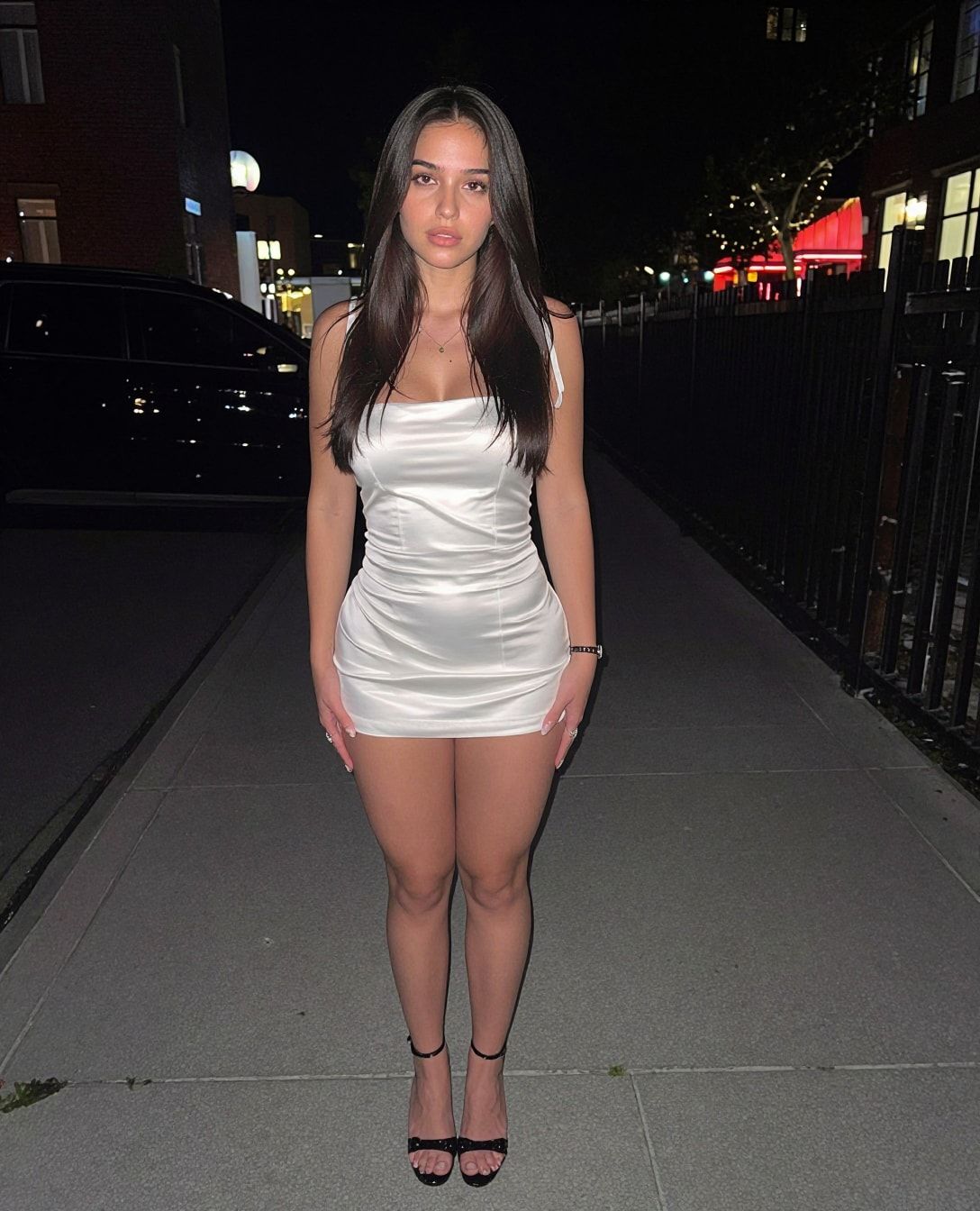
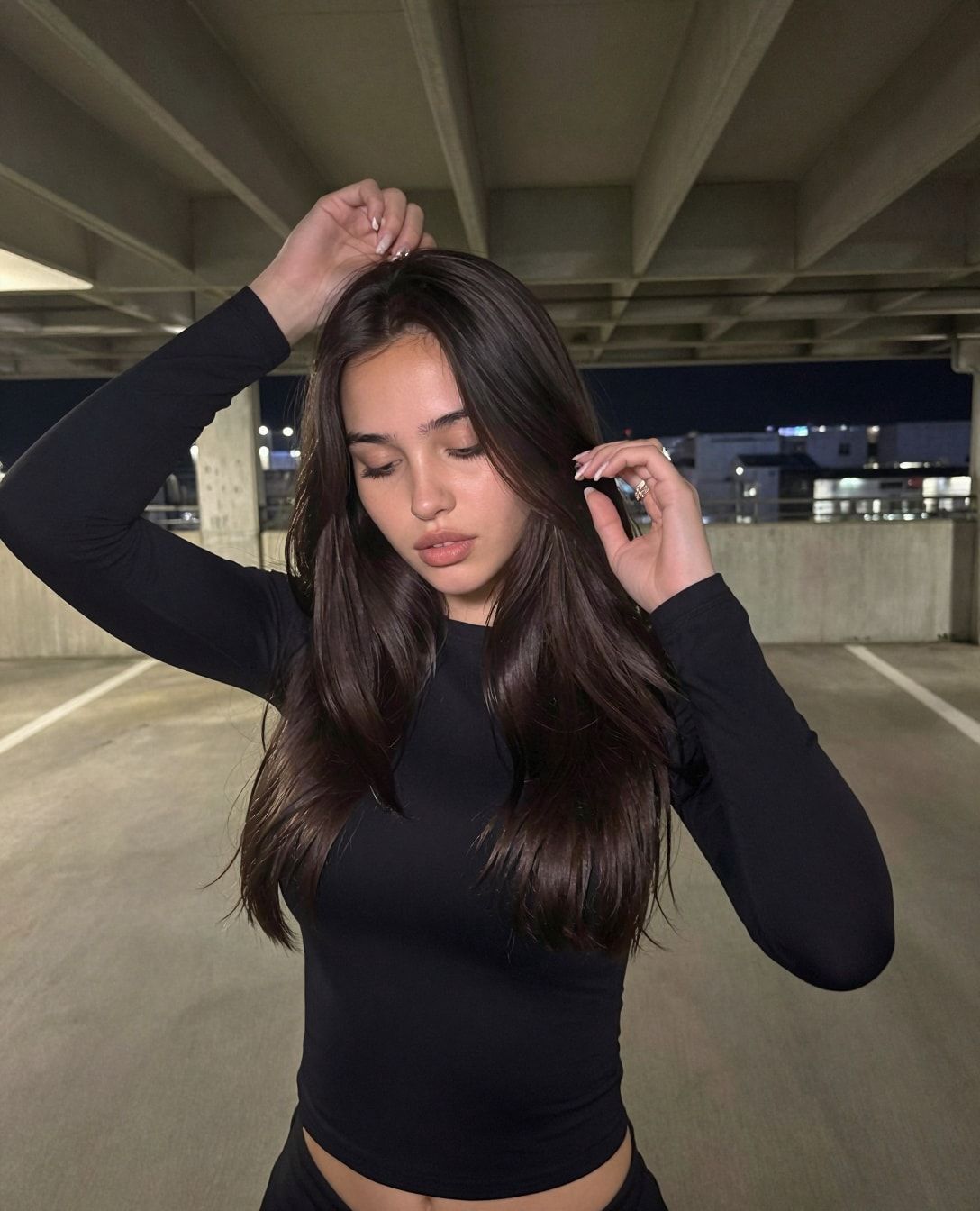
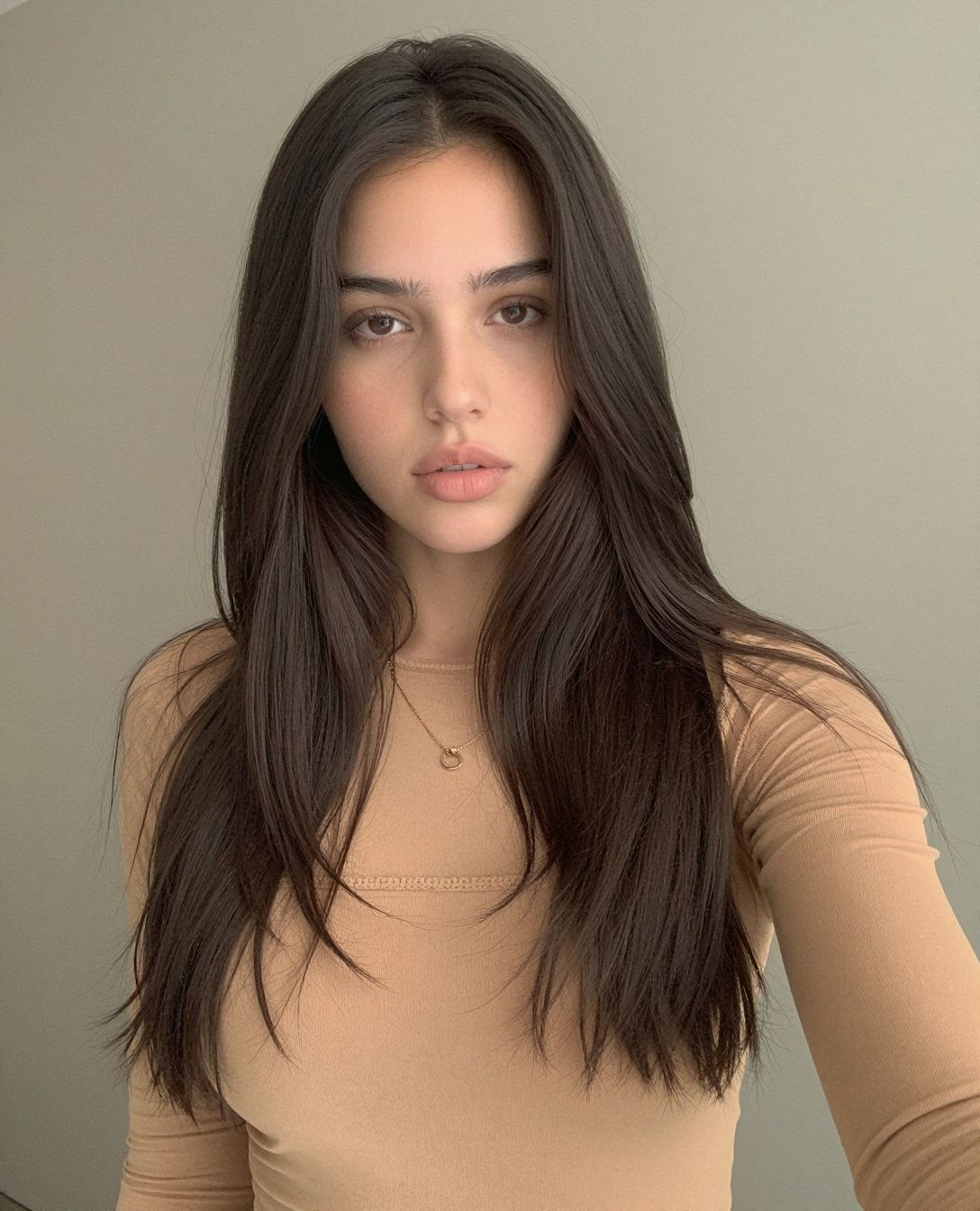
What should your Fanvue page have before you send anyone?
Enough that a new visitor can tell what she’s paying for. Fanvue’s pages give three numbers: 3 or more pieces of content in its first-fan tips, at least 20 posts recommended in its profile setup guide, and 5 required before you can request a payout. You need the 5 regardless. Launch closer to 20 if you can.
| Item | Fanvue’s guidance (checked 2 October 2026) |
|---|---|
| Posts | 5 needed to request a payout; “at least 20” recommended in the profile setup guide; 3+ as a tip in first-fan tips |
| Intro video | Under 30 seconds, safe for work |
| Profile picture / banner | 1080 × 1080 / 1192 × 335 pixels |
| Discoverability | On, so fans can find her in Discover and search |
| Welcome message | On, for new subscribers and followers |
The intro video does double duty. Fanvue says intro videos are “always guaranteed a placement in Discover”, and that Discover puts new and fast-growing accounts nearer the top (how discoverability works). It’s also what shows in the reels-style tab.
The settings themselves (welcome message wording, follower messages off, free trials) and where the AI disclosure goes are in Fanvue for AI creators. If you haven’t signed up yet, our Fanvue link is the one the graduate perk needs.
How do you move Instagram followers to Fanvue?
Through the link page in her bio and a link story every 3 days. Most followers never tap a bio, so the story does most of the work: a light tease, an offer or a deadline, then the link. Keep the Instagram content itself safe for work. Its job is to make people curious, not to sell on the feed.
Fanvue’s own advice points the same way. Its promotion guide says “one post a week isn’t enough” and that “one simple, effective promotion a day can meaningfully move your subscriber count”. The course’s every-3-days link story is the slower, safer version of that for a young Instagram account.
The course waits 7 days before the link goes up (our reason: a link on day one is what spam accounts do), and the button is labelled honestly as Fanvue. Both rules, what goes on the page and how Meta’s rules apply, are in the Fanvue link in bio guide.
How do you know which channel brings subscribers?
With Fanvue’s tracking links. You can make as many as you like, and each one shows the traffic and conversions it brings. Give every place you post a link its own tracking link. After a month you’ll know whether the bio, the stories or Threads actually pays, instead of guessing.
- Open Creator Settings on Fanvue and find tracking links (settings overview).
- Make one per channel: Instagram bio link page, Instagram stories, Threads, and one for any boosted post.
- Name them clearly, for example “ig-bio”, “ig-story”, “threads”.
- Put each one in its place. The link page holds the bio link; the story link sticker gets the story link.
- Check them weekly. Drop or change what doesn’t convert. Keep what does.
This also tells you whether boosting worked. The course boosts the 3 best Instagram posts at $20 a day for about two weeks, after 2 to 3 weeks of steady posting (October 2026). A separate tracking link on the link page during the boost shows what that spend brought in.
Do Fanvue promotions bring in subscribers?
They turn followers who were on the fence into subscribers. The course runs a one-day promo of about 50% off roughly once a week, with a push notification to her Fanvue followers. Give each promo its own tracking link, or its own free trial link, so you can see what that promo actually brought in.
Fanvue’s tools for this are Account Promotional Offers and Free Trial Links, under Subscription Settings (subscription settings). Which offers to run, why long free trials stay off, and the “expired fans” offer are in how to price a Fanvue subscription.
How do you keep the subscribers you get?
By talking to them. Fanvue’s own data shows most subscriptions don’t last past the first month, and the course sees many subscribers stay only one or two months. A new subscriber who never hears from her is the first to leave. Three habits keep more of them, and none of them cost anything:
- Welcome every new subscriber and ask a question. The course’s opener: “Thank you so much. What should I call you?”
- Message a few days before renewal with a reason to stay. Fanvue’s retention tips suggest exactly this, plus posting daily or at least every other day.
- Chat yourself at first. How to do it is in how to chat on Fanvue.
Fanvue’s retention numbers, and what they mean for bundles and price, are in the Fanvue subscription price guide.
What can go wrong?
- You send traffic to a near-empty page. You need 5 posts to get paid, and Fanvue recommends 20. Fill the page before the link goes up.
- The link goes up on day one. Wait 7 days of normal activity on Instagram first.
- Only the bio has the link. Most followers never tap it. Post the link story every 3 days.
- One link everywhere. Then you can’t tell what works. One tracking link per channel, and one per promo.
- The Instagram feed turns into an ad. Selling on every post costs followers. Keep the feed about her life; let the stories and the link page sell.
- You expect a number by a date. Nobody can promise one. Some weeks bring nobody. Keep the rhythm going anyway.
Questions people ask
How do I get my first subscriber on Fanvue?
Can I put my Fanvue link directly on Instagram?
How long does it take to get Fanvue subscribers?
Does Fanvue promote new creators?
Read next
- Fanvue link in bio: when to add it, how to label it, and Meta's rules
Put a link page in her Instagram bio after 7 days, label Fanvue as Fanvue, and keep the profile safe for work. What Meta's rules mean for the link.
- Fanvue subscription price: what to charge, and why it matters less than you think
Fanvue allows $3.99 to $100 a month. What the course's Fanvue lesson sees, what Fanvue's Aug 2026 data says works, bundles, trials and price rises.
- Fanvue for AI creators: rules, ID check, fees and setup
Fanvue allows AI creators who disclose it. The ID check, the 20% fee, $20 payouts, where the AI disclosure goes, and the settings we use.
- How to grow an AI influencer on Instagram
Collab, trend and main accounts, a 7-day warm-up, a reel and carousel every 2 days, an optional $20/day boost on your 3 best posts. AI label on.